OnlyFans Live: How to Stream and Earn More
Discover how to turn OnlyFans live sessions into a powerful income stream with smart use of tips, PPV content, and private video calls. This guide shows step-by-step how to set up profitable live sessions, create an effective tip menu, and maximize earnings per broadcast.

OnlyFans Live
OnlyFans Live: Why Smart Creators Treat Streams Like Premium Events
For many creators, OnlyFans Live is where real engagement and real money happen. Regular posts keep subscribers interested, but live sessions create something different. They create urgency. Fans know the moment will not repeat exactly the same way again. That simple psychological trigger often leads to higher tips and faster purchases.
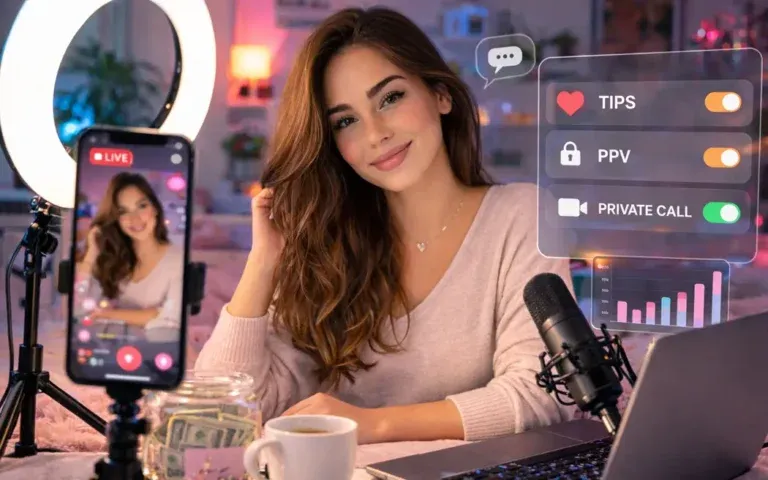
OnlyFans Live lets eligible creators broadcast to fans in real time, interact through chat, and monetize attention through tips, paid access, and related PPV offers. The strongest streams are planned like events: define a format, promote it in advance, prepare goals or a tip menu, set boundaries, and follow up with clips, messages, or replay offers. This guide covers the basic setup and the revenue workflow before, during, and after a live session.
How Creators Earn More With OnlyFans Live

If you want a short explanation, here it is. OnlyFans Live helps creators earn more because it combines real-time interaction with multiple monetization tools.
Typically, OnlyFans live streams generate income from multiple sources at the same time. During the stream, fans can send the content creator tips or donations. Additionally, content creators can promote paid requests using the tip menu. Following that, they’ll sell exclusive clips and messages to fans using PPV (pay-per-view) methods.
The process is simple:
- Announce upcoming OnlyFans live streams in advance.
- Prepare a clear OnlyFans tip menu.
- Encourage interaction and paid requests during the session.
- Offer private video calls as a premium upsell.
This approach turns a single OnlyFans livestream into a layered revenue event rather than a simple broadcast.
Streaming has proven to be much more profitable for many creators on a per-hour basis than traditional posting. This is due to the fact that when fans interact live with a creator, they build an emotional connection with the creator.
How to Go Live on OnlyFans and Prepare a Stream That Converts

OnlyFans has a built-in platform, which makes streaming very easy. However, once you start your stream, it becomes difficult to maintain an audience and to encourage your audience to spend money. Your challenge will be to create an engaging streaming experience for your audience, which will result in them wanting to give you money.
Step-by-Step: How to Start an OnlyFans Live Stream
Starting a broadcast usually takes just a few steps:
- Open the creator dashboard.
- Click the Go Live option.
- Choose who can see the stream (all subscribers or selected fans).
- Configure chat and interaction settings.
- Start the broadcast.
The technical part is quick. However, successful creators focus more on what happens before the stream begins.
Preparing Your Live Streaming Session
Preparation often determines whether a session earns $50 or $500. Creators who run profitable live streaming events usually plan several elements in advance.
For example:
- Announce the stream 24–48 hours beforehand.
- Publish a short teaser or topic for the session.
- Prepare a tip menu for interactive requests.
- Think of a few moments that could later become PPV clips.
This structure gives the audience a reason to show up. More importantly, it gives them clear ways to participate.
Why Preparation Matters
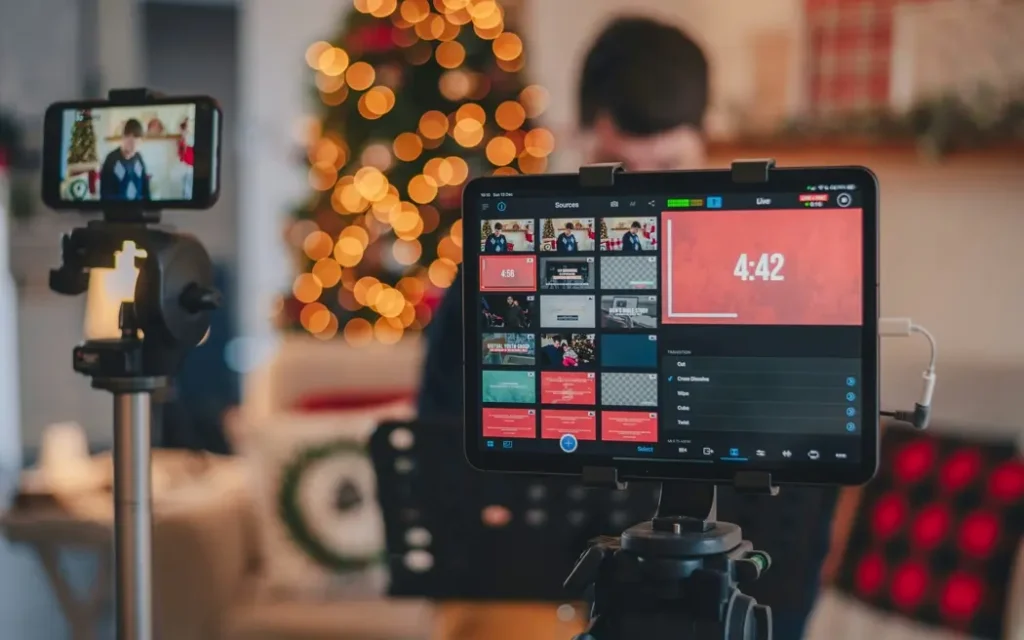
Fans join OnlyFans live streams for interaction. If a broadcast feels unstructured, viewers often watch quietly and leave. But when the creator guides the experience, engagement increases quickly.
Let’s take an example and provide a quick illustration. By giving viewers a clear message at the beginning of a stream about the fact that they can unlock certain requests by giving tips, and during the stream, premium moments may also be available through paid content, viewers know straight away that they’ll be provided with exclusive options on the stream.
This sense of exclusivity is precisely why the power of live streaming is so important. In this next section, we will explore how creators can build an OnlyFans tip menu in a way that will encourage recurring revenue from their audience while they are watching live stream events.
“Live streaming creates a sense of immediacy and authenticity and significantly boosts interaction levels with your audience.” OnlyFans Live Streaming Guide from Olys.ai
How to Create an Effective OnlyFans Tip Menu
A well-designed OnlyFans tip menu can transform a casual stream into a profitable event. Fans of a creator can directly engage with them through a variety of means. This includes giving guidance to fans about how they will invest with them financially. When fans invest money in a creator, they do so based on the expectation that everything will go toward benefiting both parties. Therefore, the fan is more likely to spend more on the creator’s work.
To create this dynamic and facilitate increased monetization through tips, many successful creators utilize a “tip menu” that acts as an easily consumable product catalog. Each tip is clearly associated with an action the fan will unlock and has a clearly stated dollar amount attached. This removes any potential hesitation from the viewer and creates a very interactive experience for both parties.
Basic Structure of a Tip Menu
Most menus follow a simple tier system. Lower prices encourage frequent tips, while higher tiers unlock premium actions.
| Tip amount | Example request | Purpose |
| $10 | Shoutout or greeting | Encourages quick tips |
| $25 | Small request or reaction | Keeps engagement high |
| $50 | Custom action during stream | Mid-tier revenue |
| $100+ | Premium request | High-value interactions |
This structure works well during OnlyFans live streams because it offers something for every viewer budget.
How to Design a Tip Menu That Works
When someone creates a good tip menu, it should be simple and fun-looking. Too many options can overwhelm someone. I suggest keeping the options limited to 5-10 on a tip menu because that makes it easier for viewers to choose their tips. Good creators tend to follow very simple rules here:
- Only have 5-10 total options on your tip menu.
- Use whole numbers for the tip amounts (so that people can tip with ease).
- Use a combination of low-amount & high-amount tip amounts on the same menu.
- Try to highlight one or two of your “featured” requests.
Also, during your broadcast, mention what you have on your tip menu several times so that anyone that joins late may see it if they wouldn’t have seen it.
Turning Tips Into Engagement

The actual strength of a tip menu is in how you and your fans engage and interact with one another throughout your stream. Yes, fans have an opportunity to impact what happens within their stream, but when a tip impacts what occurs next within the show, the interaction becomes extremely personal.
As a result of this emotional connection, your fans will often experience multiple tipping occasions within one session. Consequently, if a user tips once, the likelihood of them tipping again is substantially greater than if they hadn’t tipped yet.
However, tips are only one revenue stream. In the next section, we’ll look at how creators combine them with PPV content and private video calls to increase earnings from a single stream.
Using PPV and Private Video Calls to Multiply Stream Revenue

Although tips can be helpful, the comprehensive earning potential of a stream is rarely reflected in the tips themselves. By combining tips with PPV and private video calls, creators can layer their monetization strategies and transform one stream to multiple streams of income.
Many creators tease content that will be sold as pay-per-view material to viewers during OnlyFans live streams. The chances of viewers buying that content later are greatly improved when they enjoy the live streaming experience.
How PPV Works During Live Streaming
Since paid communications usually consist of PPV content, PPV content is delivered through paid messages. Creators can send locked pictures, videos, or clips for fans to buy in order to view them.
A typical strategy involves the following:
- Record a short highlight while you are streaming.
- Include a reference that this clip will be sent as exclusive content.
- Send it as a PPV message later.
This simple method allows creators to monetize the same OnlyFans livestream twice — first through tips and later through paid content.
The Power of Private Video Calls

Group stream content increases how many fans engage, but private video calls generally bring in the highest revenue per fan. The added feel of intimacy with one-on-one calls means those creators can charge a premium price for them.
Most creators advertise booking links on their OnlyFans live streams or during their streams for a view or two.
| Call length | Average price |
| 5 minutes | $40–$60 |
| 10 minutes | $80–$120 |
| 20 minutes | $150+ |
These sessions may happen immediately after the stream or later through scheduled bookings.
If live streams and private sessions are becoming the core business, founders can move beyond a single OnlyFans account with webcam site software designed for paid shows, tips, and per-minute chats.
Example: Revenue from One Stream
Let’s look at a simple example. Imagine a creator runs a 60-minute OnlyFans live stream:
- $300 from tips during the live event.
- $200 from Pay-Per-View (PPV) clip sales after the live event ends.
- $300 from three private calls ($100 each).
Total revenue from one session: $800.
This provides an excellent example of why many creators focus primarily on live streaming, because it lends itself to the ability to earn multiple income streams through one event.
Best Strategy for Monetizing OnlyFans Live Streams

By now it should be clear that OnlyFans live streams work best when they combine several monetization tools. A successful creator is more than just someone who will publish their work or have one source of revenue. The successful creator builds a network of multiple income streams that will ultimately help create opportunities for their fans to engage with and support the creator’s creative vision.
Many successful creators implement an event network-style approach to build opportunities for fans to engage with and participate in shaping the experience for a creator’s live events through their engagement with the creator.
Core Monetization Elements for OnlyFans Live
There are four things you’ll need to do for the successful creation of live events on OnlyFans where you’re going to get results:
- Develop a tip menu for users to tip you live while streaming. This tip menu is a great way for viewers to engage with you during your stream.
- Include clips or PPV messages that you create while you are live streaming.
- Create add-on services or upselling opportunities (like recommending that users purchase a private video call).
- Create ongoing offers for your viewers after your live event is over.
By implementing these elements into your live event, users will have multiple ways to spend their money during your live events.
Comparison of Live Monetization Methods
The table below summarizes how each method contributes to overall revenue.
| Monetization Tool | When It Works Best | Revenue potentiale | Difficulty |
| Tips during stream | High engagement moments | Medium | Easy |
| PPV clips | After exciting moments in stream | Medium–High | Easy |
| Private video calls | After stream or via booking | High | Medium |
| Custom requests | During interactive sessions | Medium | Medium |
“Live tips, private shows, and paid re‑sell of stream recordings create multiple revenue channels that can substantially increase overall earnings from a single live session.” OnlyFans Live Streaming Guide from Lookstars Agency
How to Replicate This Model on Your Own Website: Live, Calls, PPV and Menu with Scrile Connect Solo
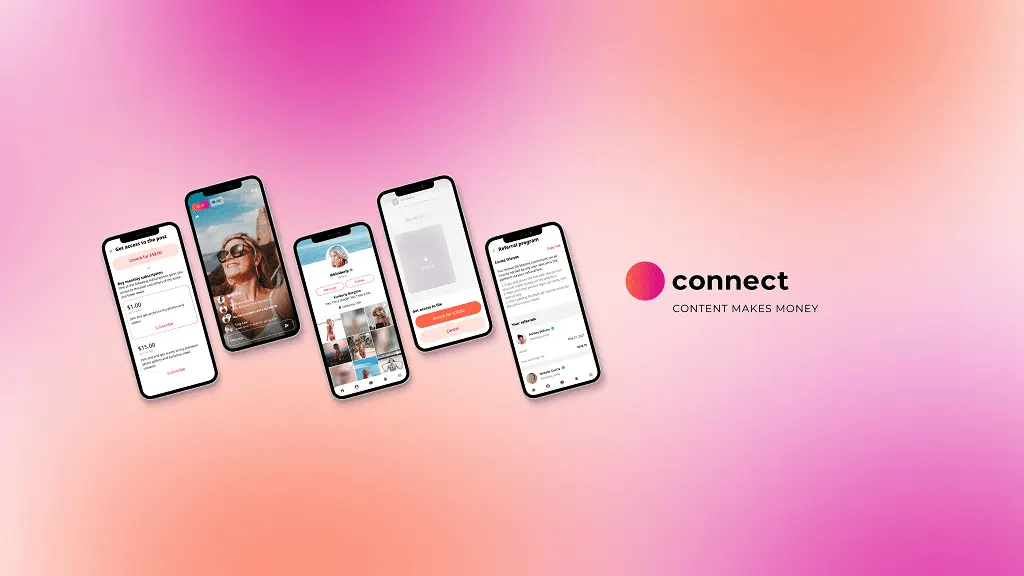
OnlyFans & similar platforms are great for beginners but eventually hit a wall. Creator earnings are reduced by the fees on the platforms, your branding is owned by the platform, and changes to the rules can happen anytime. Due to these limits, many times experienced creators will create their own websites to expand beyond just platform monetization. This is exactly where Scrile Connect Solo becomes useful.
What Scrile Connect Solo Is
Scrile Connect Solo is a platform designed for independent creators who want their own subscription website. Instead of relying on a third-party marketplace, creators operate under their own brand and keep direct relationships with fans.
The use of multi-functionality in already existing tools allows for an abundance of resources to help with creativity within the Creator Network. Examples of these multi-function features include the following:
- Live streaming sessions
- Private video calls.
- Paid messaging/PPV.
- Customizable tip menus.
- Subscription management.
These resources can all be found in one location (Dashboard) and provide you with a plethora of entertainment options.

Why Own Your Platform
When it comes to the business of being a content creator, there are many benefits to using your own website/brand. These benefits include:
- Complete control over pricing and commissions.
- The brand is 100 percent yours.
- Full access to your fan database.
- Flexible monetization opportunities that aren’t limited by platform guidelines.
For many creators this is a hybrid approach where they will host their streams on platforms such as OnlyFans but will also direct loyal followers to their own personal sites to offer them additional premium services.
Take Action: Launch Your Independent Creator Platform With Scrile
If your goal is to maximize income while maintaining independence, Scrile Connect Solo is a logical next step. It allows you to keep the reach of established platforms while building a long-term, scalable live streaming business.
FAQ
How do I access live on OnlyFans?
Whether on mobile or desktop, accessing OnlyFans Live is easy to do. While on desktop, you’re using a supported browser (Chrome, Firefox, or Edge) and logging into your OnlyFans account before proceeding to “New Post” and clicking on the “Go Live” option of your dashboard, which makes things fairly easy. From there:
- You’ll need to choose an audience.
- Then you’ll need to enter a description of your live stream.
- If it’s a PPV session, enter a price.
- You’ll have the option to create a tipping goal and/or choose to show tips will be displayed.
- Finally, click on “Start Live Video.”
The steps to go live from mobile will be very similar. However, preparation is important to ensure a more engaged and profitable stream by having an established tipping menu and knowing how you plan to be interactive with your viewers.
What is OnlyFans TV (OFTV)?
OFTV is OnlyFans’ free, advertising-free video subscription service. There are only original productions available on OFTV as well as some exclusive videos produced exclusively by top creators.
Although OFTV is a pre-recorded non-live-based video platform, it offers a unique opportunity for you to promote your recorded videos of your live sessions, as well as to share links to your live sessions or premium content from your OnlyFans profile.
How do I find live streams on OnlyFans?
At this point in time, there isn’t a central feed or channel for the live streams of creators on OnlyFans like there are on other social media platforms. Users must locate the streams of their chosen creators through the following:
- Notifications from users’ followed creators.
- The promotional posts or preview on that user’s profile.
- Any links that have been sent via direct message or social media.
Announce your live streams in advance and share with the fans your tip menu. Also provide links for PPV and private video calls before your streams. All of these raise engagement with your fans.
How much can I earn from an OnlyFans live stream?
Depending on how much you engage with your audience, the number of tips you receive and whether or not you have paid content available will determine how much you earn. Each individual stream can create several different types of revenue.
- Receiving tips during the live broadcast.
- Selling PPV content after the live session.
- Upselling your subscribers to schedule a private one-on-one video call with you.
As an example, a 60-minute live stream can generate anywhere between $300+ in tips, $200+ in PPVs, and $300+ from several one-on-one calls with your subscribers. By using an organized OnlyFans Tip Menu and scheduling streams ahead of time, most creators see the greatest return on their investments.
Can I run private video calls with fans during a live stream?
Absolutely. An amazing upsell after doing an OnlyFans live stream in public is to offer private video calls right after your stream or create a separate session for them to pre-book a video call with you.
You typically can earn more money on a private video call than you would from tips alone because people want that one-on-one interaction with you. When using your tip menu or by creating a PPV promotion, be sure to allow people to purchase calls with you.