
AI Character Creator: Build a Persona That Scales in 2026
Build a consistent AI character that doesn’t fall apart after a few posts. This guide shows how to create a strong persona using a simple framework, maintain visual and voice consistency, and scale content into a real product. Learn how tools fit into the process and how Scrile AI helps turn your character into a fully functional, monetizable system.

ai character creator
A strong AI character creator workflow starts with a clear framework: role, goal, conflict, voice, taboos, and visual markers. These elements give your prompts structure instead of randomness. From there, you build repeatable content lines and keep both visuals and tone consistent. When the character grows beyond content, you’ll need systems like access control, analytics, and management tools to scale it properly.
Most people open an AI character creator expecting a finished persona in a few clicks. What they actually get is a folder full of mismatched images. One render looks cinematic, the next looks like an anime edit, the third feels like a completely different person. Then the captions don’t match either. The “character” never becomes recognizable because it was never defined in the first place.
The fix is simple, but rarely followed: stop treating outputs as a character. A character is a system with rules.
In this guide, you’ll build that system step by step. You’ll define a clear framework, turn it into repeatable prompts, create content lines that don’t collapse after a week, and learn how to evolve the character into something people actually follow, and eventually, pay for. Later, we’ll also look at how solutions like Scrile AI can support turning that character into a fully functional product.
How to Get Started: Stop Making Random Images First
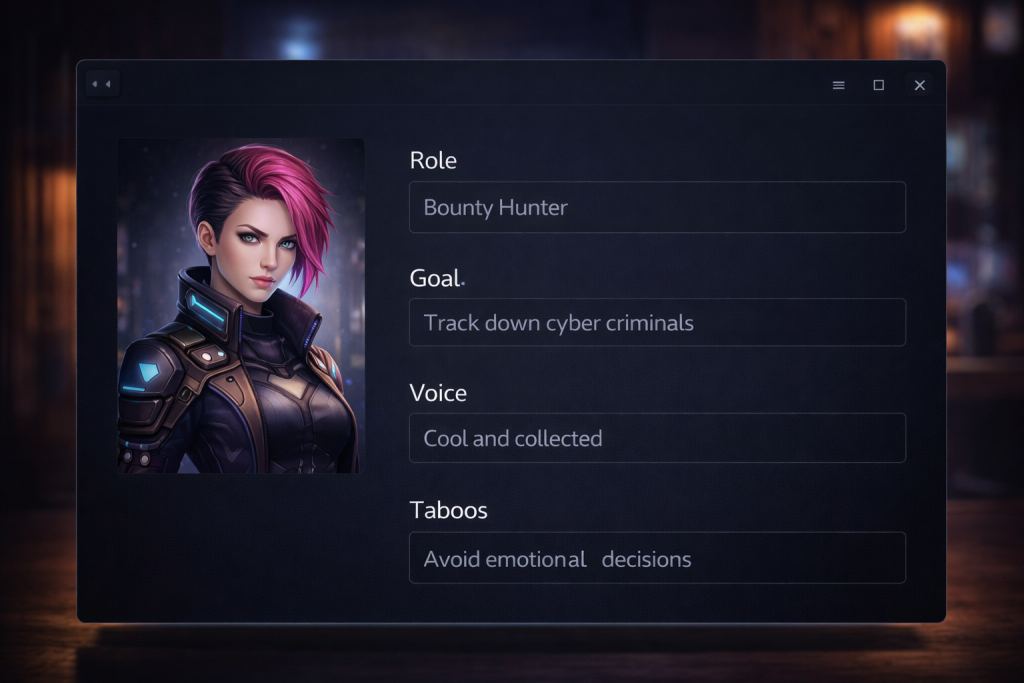
Most beginners follow the same pattern. They open an AI character generator free tool, type something like “cool cyberpunk girl,” hit generate, save a few images, then move on. Or they try an AI character generator from text, tweak a couple of prompts, and assume they now “have a character.”
What they actually have is a collection of unrelated outputs.
Here’s what typically happens:
- different face in every generation
- different mood and tone in each post
- no clear personality behind captions
- no repeatable visual style
- no direction for future content
The problem isn’t the tools. It’s the lack of structure.
Before you generate anything, write a one-page character brief. Define who this person is, how they behave, what they want, and how they look in consistent terms. This step comes before image generation, before chat setup, and before any video or animation.
Core takeaway: generating is not the first step. Defining is.
“Organizing your prompt makes it easier for the model to understand context and stay consistent across turns.”
— Realtime Prompting Guide, OpenAI Developers
The Simple Character Framework
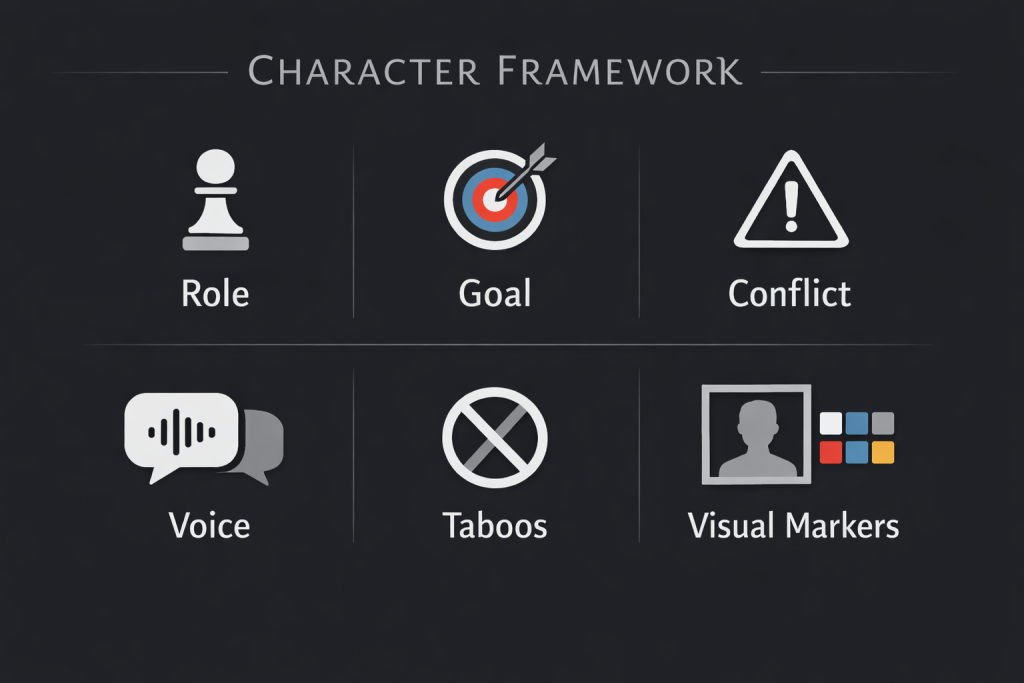
If you want your AI character creator workflow to produce something consistent, you need a structure that doesn’t change every time you write a new prompt. This framework becomes the backbone of everything you generate.
Start with six elements.
Role — Who is this character in the world? Not visually, but functionally. A late-night streamer, a digital companion, a private influencer.
Goal — What does the character want? Growth, attention, money, control. This defines what your content moves toward.
Conflict — What stands in the way? Fear of exposure, limited access, hidden identity. This adds tension and makes the persona feel intentional.
Voice — How does the character speak? Short, dry sentences or playful and teasing. This must stay stable across captions and replies.
Taboos — What is off-limits? No personal facts, no emotional oversharing, no breaking character. This is what keeps the persona from drifting.
Visual markers — What never changes visually? Hair, lighting, framing, color palette. This is where most characters break.
Here’s a compact example:
- Role: anonymous late-night streamer
- Goal: build a cult audience
- Conflict: wants attention but fears exposure
- Voice: calm, clipped, slightly teasing
- Taboos: no real-life details, no sentimental oversharing
- Visual markers: dark palette, low light, same angle, black bob haircut
Once this is defined, your prompts become controlled instead of vague. You’re no longer asking for “a cool image.” You’re generating variations of the same identity.
Hard rule: if you change several of these elements at once, you are no longer evolving the character. You are replacing it.
When working with AI systems, the initial setup defines how outputs behave over time. In prompt design, this setup acts as a control layer for tone, role, and boundaries.
“It can set the model’s role, expected tone… and any global constraints.”
— Prompt engineering, Web.dev
Turn the Framework Into Visual Output

Once your framework is defined, the next step is turning it into something your generator can follow consistently. Most people keep rewriting prompts. That’s where the character breaks.
Start with one base identity prompt and reuse it every time. Think of it as your “source code.” This approach works much better than relying on an AI character generator from photo free without clear structure behind it.
Split your prompt into two parts.
Fixed elements (never change):
- facial structure (sharp jawline, narrow eyes)
- hairstyle (black bob, shoulder length)
- palette (dark tones only)
- lighting (low light, soft shadows)
- framing (chest-up, same angle)
Variable elements (change carefully):
- setting (room, street, studio)
- outfit (within the same style range)
- action (sitting, walking, looking away)
- props (phone, headphones, laptop)
Prompt skeleton:
Character: female, sharp jawline, narrow eyes, black bob haircut, neutral expression
Visual style: dark palette, low light, soft shadows, cinematic lighting, 50mm lens
Framing: chest-up, slightly angled, same perspective
Outfit: black hoodie, minimal variation
Scene: sitting on bed, holding phone, looking slightly away
To make this actually work over time, follow a few simple rules:
- Save one “approved” base image and reuse it as a reference in every new prompt. Do not regenerate the character from scratch once you’ve locked the look.
- Change only one variable at a time. If you adjust lighting, don’t also change angle and expression in the same prompt — otherwise you won’t understand what caused the difference.
- Keep a small set of approved variations (2–3 poses or moods) and rotate between them instead of constantly creating new ones.
If you experiment with stylized directions, like an AI character creator anime approach, lock that style early and avoid mixing it later.
Important nuance: tools will still interpret prompts differently. Structure is what keeps the character stable.
Tools People Use: What Each One Is Good For
Most tools in an AI character creator workflow solve only one part of the process. The mistake is expecting any of them to handle the whole system.
Perchance
AI character creator Perchance is great for fast idea generation. You can quickly explore names, traits, and rough concepts without overthinking structure. The downside is obvious: it produces randomness. Without a framework behind it, those ideas don’t translate into a stable character.
MidJourney
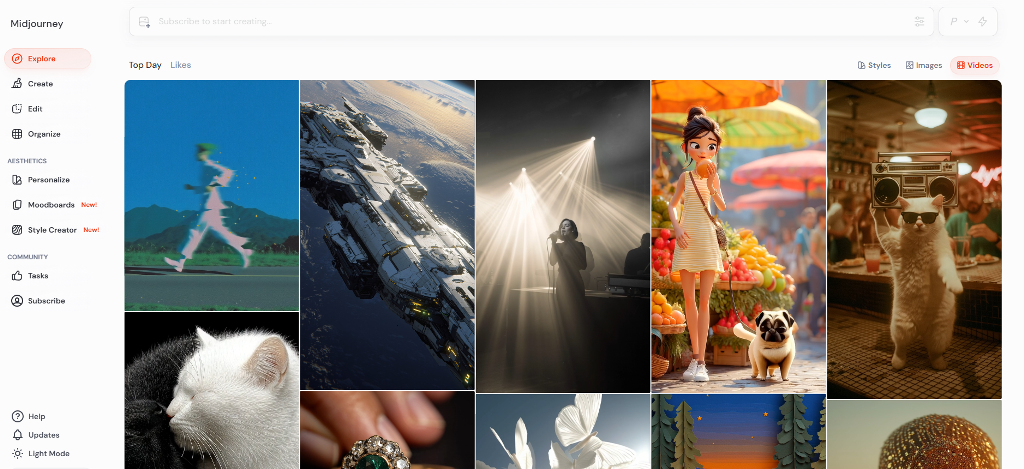
MidJourney is where most creators shape the visual identity. It’s strong for style, lighting, and overall aesthetic control, especially when you refine prompts over time. The limitation is that it doesn’t “remember” your character. Even with the same prompt, you can get slightly different faces or moods.
Adobe Firefly
Firefly is useful when you need clean, polished, brand-safe visuals. It works well for assets that look consistent within a controlled design style. However, it doesn’t solve character logic. You still need to define who the character is and how they behave.
Character AI
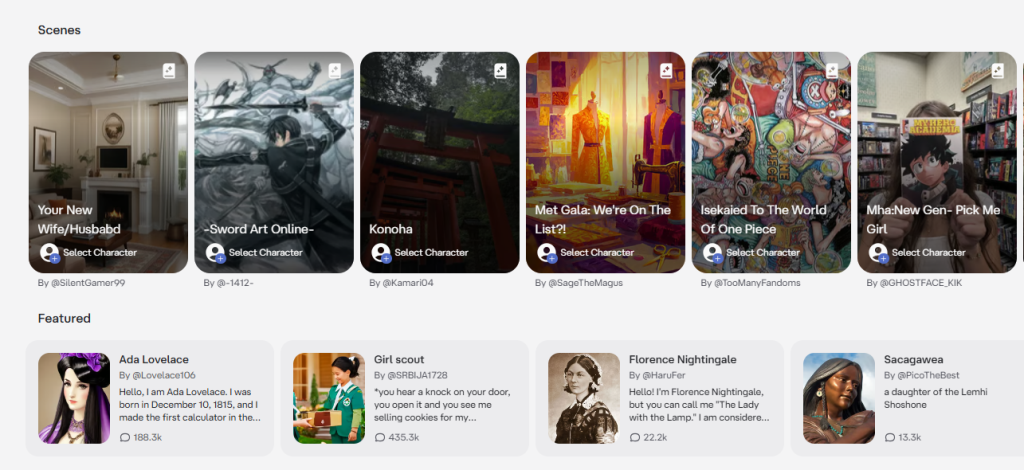
Character AI handles the voice layer. It’s where you define how the character responds, reacts, and interacts with users. But it has no visual consistency. The personality can be strong, while the visuals remain disconnected if you don’t manage them elsewhere.
LipSync Video
LipSync Video is best for turning a designed character into speaking content. It adds movement, voice, and presence. It works only if your character is already stable. Otherwise, you animate inconsistency.
Expert summary: Each tool solves a layer: ideas, visuals, voice, or animation. None replaces a structured character system.
Comparison Table: Which Tool Fits Which Job?
| Tool | Best for | Main weakness | Best stage |
| Perchance | Fast ideation | Low consistency | Concept stage |
| MidJourney | Visual design | Character drift | Look development |
| Adobe Firefly | Clean branded assets | Limited persona logic | Asset production |
| Character AI | Replies and behavior | No visual layer | Voice/personality |
| LipSync Video | Speaking avatar content | Needs stable character first | Video extension |
A serious AI character creator workflow usually combines several tools. The key is timing. You only introduce them after the persona framework is already defined, otherwise you’re just scaling inconsistency.
Build Content Lines So the Character Has Something to Do
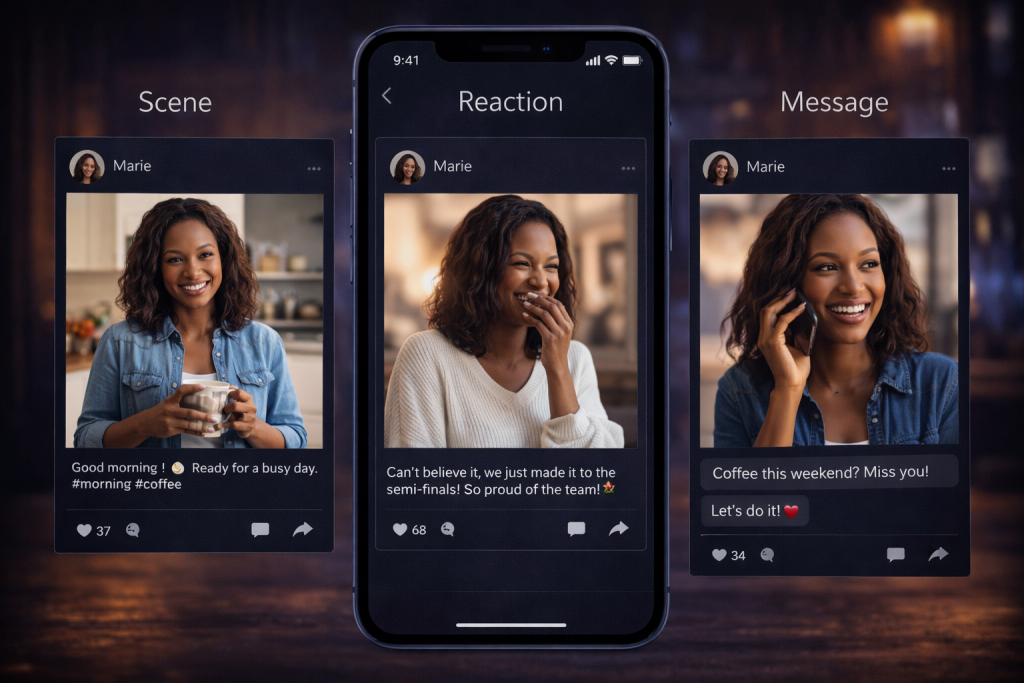
Once the character is defined, the next problem appears fast: what do you actually post? Random uploads kill momentum because they don’t build familiarity. Every post feels isolated, and the audience has nothing to follow.
A character needs structure, not occasional inspiration. The simplest way to achieve that is to define a few repeatable content lines.
Start with formats like:
- daily scene (a small moment from the character’s life)
- short monologue (1–2 lines in their voice)
- reaction post (commenting on something in-character)
- recurring micro-story (a storyline that continues over time)
- audience question format (direct engagement)
Each format should have a clear role:
- familiarity → daily scene
- plot → micro-story
- interaction → questions
- retention → monologue and reactions
Simple calculation:
- 1 random post/day = 30 posts/month
- 3 formats × 2 posts/day = 180 content units/month
This doesn’t guarantee 6x results, but it creates a system you can actually scale.
Expert tip: Instead of writing new prompts every time, build a few base templates and reuse them. At the beginning, tools that work like an AI character prompt generator can speed up variations and help you test directions quickly. But over time, the real stability comes from a clear written profile — something closer to your own internal AI character description generator, where you define how the character looks, speaks, and behaves.
How to Maintain Consistency Over Time
Once your character starts producing content regularly, the real challenge is keeping it stable. This is where most setups slowly fall apart. Small changes stack up, and after a few weeks the persona no longer feels like the same person.
To avoid that, treat your character like a controlled system, not a creative experiment. Keep a written character sheet with the six core elements and update it only when necessary. Save your approved prompt versions instead of rewriting them from scratch. Keep a small archive of captions that match the voice, so you’re not guessing tone every time. Define what the character should never say or do, and stick to it.
This becomes especially important when your character starts interacting with users in formats built around an AI character creator chat. In this setup, responses are generated on the fly instead of being written in advance. Without clear rules for tone, behavior, and limits, the character can easily drift — sounding different from one reply to the next or breaking its own personality.
Use a simple checklist before publishing:
- Does it still look like the same person?
- Does it still sound like the same person?
- Does it still want the same thing?
- Does it still respect the same taboos?
Why Speaking Characters Retain Better Than Static Ones
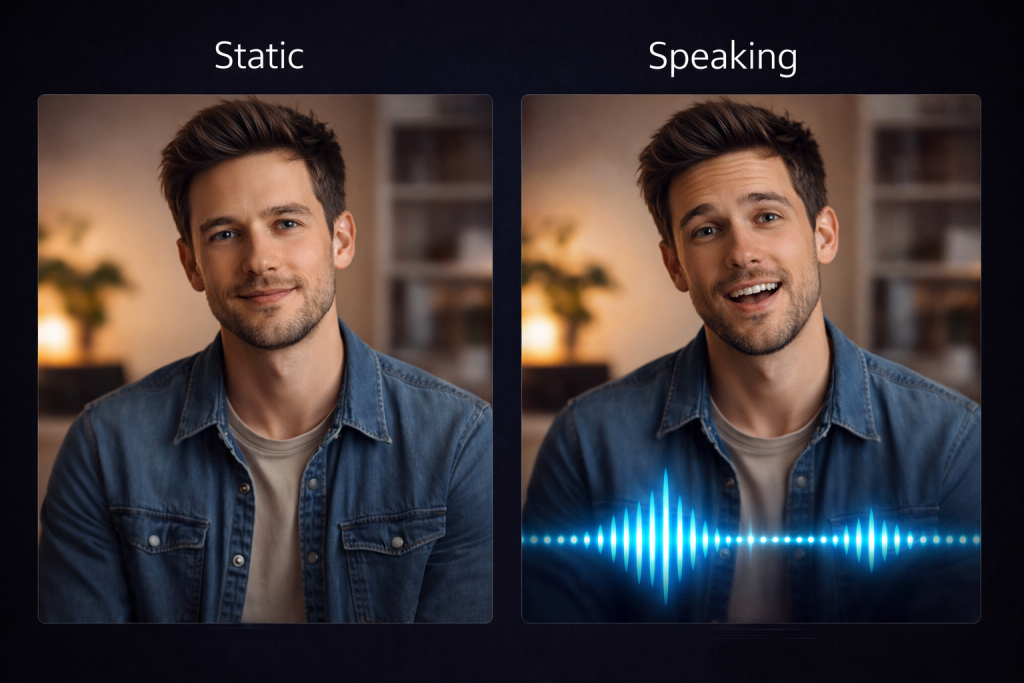
Static characters can look great, but they are easy to scroll past. After a few posts, the audience understands the visual style and moves on. There is no reason to come back, because nothing changes.
A responsive persona works differently. When a character answers, reacts, or continues a conversation, it starts to feel present. People return not just to see new content, but to interact. This is where an AI character creator setup becomes more than visual output — it becomes an experience.
Interaction builds attachment over time. Even simple replies can create familiarity, especially if the tone stays consistent.
To make this work, you need clear response rules. Decide in advance how the character behaves in conversation:
- how long each reply should be
- how much humor is allowed
- what emotional range is acceptable
- how direct, distant, or warm the tone should feel
Without these limits, the character quickly loses its identity during conversations.
When the Character Becomes a Product

At some point, a character stops being just content and starts behaving like a product. That shift usually happens when people don’t just watch, but return, interact, and expect something more structured. At that stage, simple posting is no longer enough.
If a character becomes a product, you need a paywall, analytics, an admin panel, and clear rules. The paywall controls access and creates value around the experience. Analytics show which formats, replies, and interactions actually work, so you’re not guessing. An admin panel gives you control over publishing, moderation, prompts, and audience flow. Rules ensure the character behaves consistently, even as usage grows.
Without these elements, growth becomes chaotic. You might have attention, but no system behind it. With them, the character turns into something you can manage, scale, and improve over time without losing its identity.
Scrile AI: Build a Custom AI Character Creator, Not Just Another Content Workflow
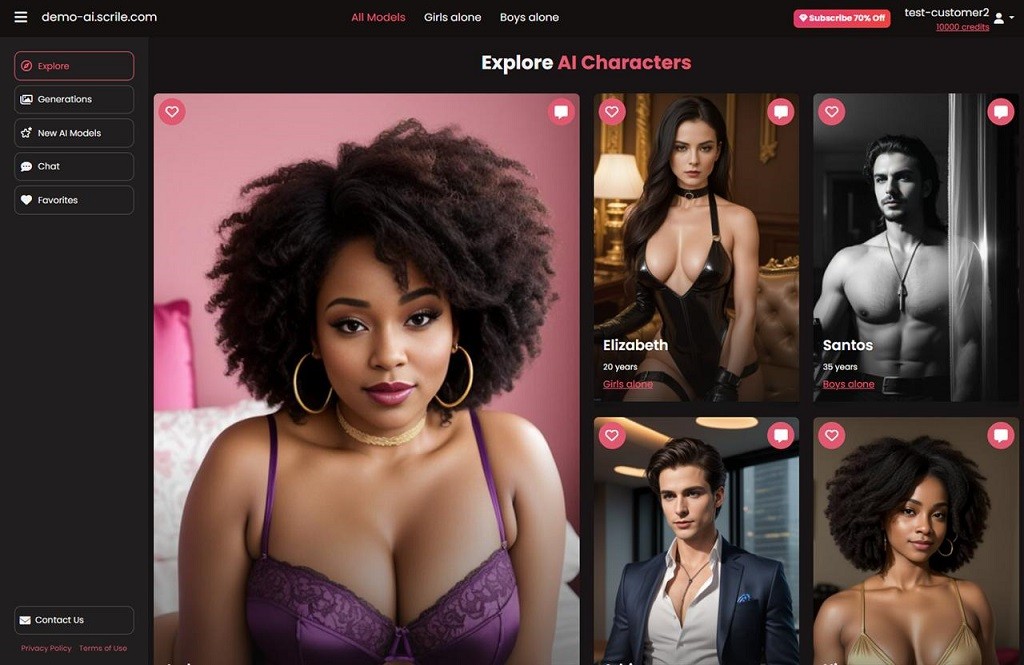
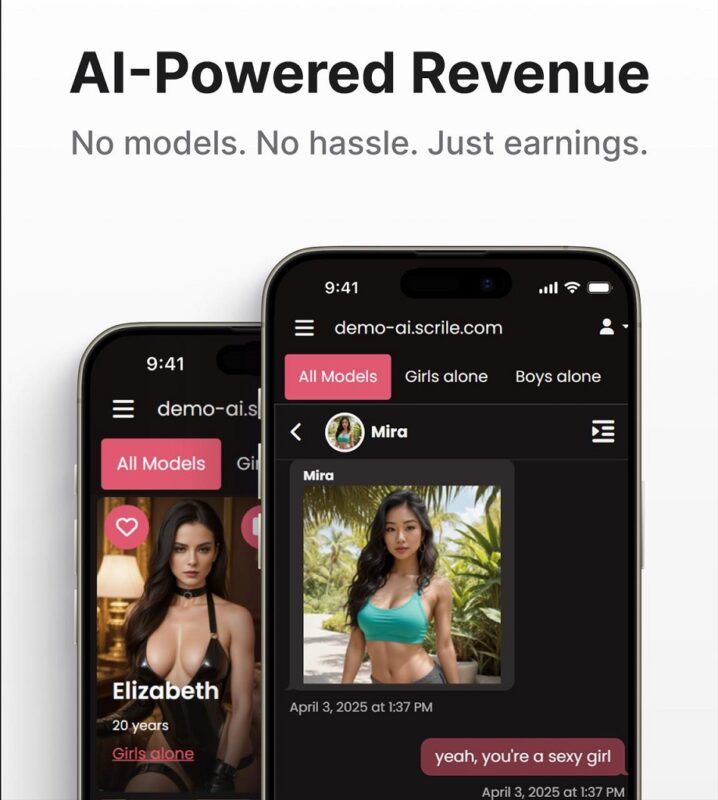
When your character moves beyond content and starts behaving like a product, the requirements change. You need a paywall to control access, analytics to understand what actually works, an admin panel to manage everything, and clear rules to keep the persona consistent. This is exactly the point where a basic tool stack stops being enough.
Scrile AI is designed for this stage. It’s not a ready-made app where you adapt to fixed features. It’s a development service that helps you build a complete AI character creator system around your idea.
Instead of juggling separate tools, you get a single environment where the character operates with defined logic:
- customizable persona rules, tone, and behavior scenarios
- built-in chat and interaction flows connected to the same character
- monetization options such as subscriptions, paid messages, or token systems
- admin dashboard for managing users, content, prompts, and moderation
- analytics to track engagement, retention, and conversion
At this level, you’re no longer generating content. You’re running a structured product that can grow without losing consistency.
What’s Right for You at Each Stage
| Goal | Best next step |
| Explore ideas | Start with Perchance to generate concepts quickly |
| Build a polished look | Use MidJourney with a fixed character framework |
| Add interaction | Introduce Character AI to shape responses and behavior |
| Create speaking content | Extend the character with LipSync Video |
| Turn it into a product | Move to a custom AI character creator system like Scrile AI |
Conclusion
Random images don’t create a character. A clear framework builds identity. Content lines make it scalable. Interaction makes it stronger. And infrastructure is what turns it into something you can actually monetize.
If you want your character to go beyond experiments and become a working product, the next step is building the right system around it. Explore Scrile AI solutions and launch a custom tool where your character stays consistent, grows with your audience, and generates real value.
Related guides
- AI Avatar Generator in 2026: Use Cases & Tips
- How to Promote Your AI Companion Website in 2026
- How Creators Use AI to Sell More Content and Engage Fans
- Top-5 Ultimate AI Friend Apps 2026
FAQ
What is an AI character creator?
An AI character creator is a tool or workflow used to build a digital persona with a defined look, voice, and behavior. It can include image generation, character writing, dialogue setup, and content planning. The stronger version is not just visual. It gives the character consistent identity rules.
How do I keep an AI character consistent?
Start with a fixed framework: role, goal, conflict, voice, taboos, and visual markers. Then save approved prompts, keep a written character sheet, and review new outputs against the same rules. Consistency usually breaks when creators improvise too much.
What is the best tool for AI character visuals?
It depends on the job. MidJourney is strong for polished visual identity and style development. Adobe Firefly can work well for cleaner branded assets. The key point is that no visual tool creates consistency on its own. The framework has to come first.
Can Character AI help build a persona?
Yes, especially on the dialogue side. Character AI is useful for shaping response style, tone, and interaction patterns. It helps a persona feel alive in conversation, though the visual side still needs to be handled with a separate image workflow.
Is Perchance good for serious character creation?
Perchance is useful at the idea stage. It can help you explore names, traits, and rough concepts quickly. For serious long-term character building, though, it works better as a starting point than a full system. You still need structure, rules, and consistency controls.
How do I make an AI character talk?
First, lock the character’s identity and voice rules. Then use a speaking or animation layer such as LipSync Video to turn the design into video content. If the visual identity and tone are unstable, the result usually feels inconsistent, even if the animation itself works well.
Can I build an AI character from a photo?
Yes. A photo can work as a visual reference for facial structure, hairstyle, and general appearance. That helps stabilize future outputs. It still does not replace the need for role, voice, and behavior rules, because a photo alone does not define the character.
How do I monetize an AI character?
Monetization usually starts when the character becomes more than content. That means adding paid access, subscriptions, premium interactions, tokens, or gated experiences. To manage this properly, you also need analytics, moderation, admin controls, and a system that keeps the persona consistent.
