
AI Video Editor: 5 Steps to Master Shorts and Reels
Are you trying to create more Shorts, Reels, and Clips without getting burned? Learn how you can leverage the power of AI video editing and a content workflow system to produce high-quality short-form video content on a scale that will be difficult for you to achieve on your own. We will show you through examples and tools how to use ideas, auto-create clips, create subtitles, and package your video content.

AI video editor
AI Video Editor for Shorts: Why Speed and Systems Matter More Than One Viral Hit
If you are looking for ways to create tons of short videos, then what you’re looking for isn’t necessarily about creativity but rather about output, speed, and consistency. You want to use an AI video editor as part of a system to produce short videos without burning yourself out within three weeks. An AI video editor provides you with a scalable infrastructure for producing your content as well as putting together new videos in a structured way. This isn’t a magic button or a new trend, but rather just part of the process of creating and developing video content.
Many creators continue to believe that they can create something that goes viral quickly. For example, they’ll look at feature comparisons and YouTube videos explaining tools and check out many different lists of the “best AI video editing tools” available, searching for a tool that does everything perfectly. The underlying issue most creators experience is that they lack a systematic, repeatable process.
The Real Question Behind “How to Make Many Short Videos”
When creators search Reddit or Google for advice, the discussions look similar. In almost every AI video editor Reddit thread, someone asks which tool can “automate everything.” The answers are mixed. Some tools help. Some overpromise. Most still require structure behind the scenes.
What creators actually need is:
- A clear idea generation loop.
- A fast editing pipeline.
- Reliable subtitle automation.
- Efficient repurposing.
- A publishing rhythm.
Without that framework, even the best AI video editing software for YouTube will feel slow and frustrating.
Shorts Reward Systems, Not Inspiration
The advantage of short videos is the ability to republish the same or similar content multiple times quickly without having to worry about producing ‘perfect’ edits or producing the same content repeatedly within a week. By creating a strong content pipeline, you can achieve this in a more consistent manner.
When using AI, it should be designed with the intent of reducing friction and manual work associated with cutting out silence, resizing images for different platforms, and formatting captions for multiple pieces of content. Therefore, an AI layer does not replace the creativity or storytelling process. But instead, it provides additional production capabilities, allowing you to create 30-50+ Shorts quickly while maintaining control of your brand’s tone and messaging.
So, prior to looking at specific tools and workflows, we need to clarify one thing before proceeding. Achieving short-form success is not about finding the ‘best’ solutions to “the job needs to be done,” but instead about creating a process that supports you developing multiple pieces of similar content without “breaking down” under the pressure of doing so.
Once you change your perspective from “viral luck” to “production architecture,” everything becomes possible.
The AI Video Editor Stack: From Idea to Published Short

We will now discuss organization. To achieve volume without introducing chaos, one requires an organized production pipeline, not just a variety of scattered tools, not just many different subscriptions that do not link together. An effective production system represents a solid method to define a workflow and will produce positive results for your creative team.
Creatives who experiment with the best AI video editing tools generally find that having the tools alone does not lead to successful completion of multiple tasks. Clicking on buttons quickly and uncoordinatedly does not produce the requested creative outcome.
Here is the core pipeline we recommend for Shorts, Reels, and Clips:
- Ideas.
- Script.
- Clip.
- Subtitles.
- Packaging and distribution.
Simple on paper. Powerful in execution.
AI Video Editing: 5 Simple Steps
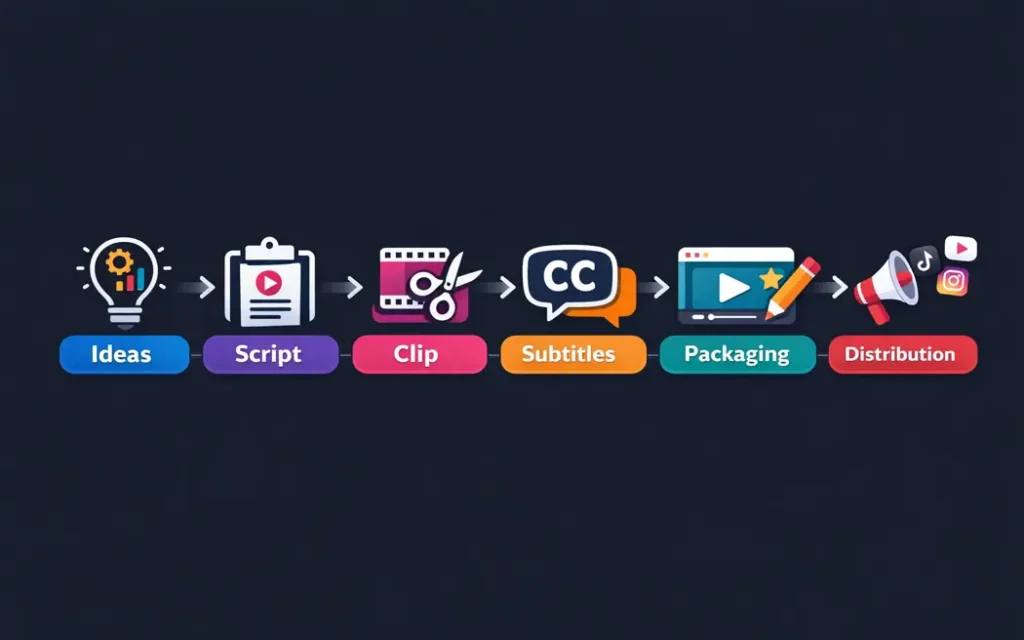
| Step | Key focus | AI Tools / Techniques | Notes / Best practices |
| 1. Idea: trend-aware but niche-specific | Discovering and creating unique content niche-specific trends. | Conduct trend analysis, use keyword clusters, expand topics, and brainstorm a hook. | Don’t rely on just AI. Personalize and be unique (just because it’s digital doesn’t mean you can’t make it unique). |
| 2. Script: hook first, always | Attract attention instantly (in the first 2 seconds). | Create AI versions of your script. | It needs to stop a scroll, make a promise quickly, and continue. Choose what feels human. |
| 3. Clip: auto-cutting long-form into gold | Create short-form, engaging video clips out of long-form content (long videos). | – Content highlighting. – Removing fast-moving sections. – Jump cuts. – Auto-reframe for vertical format. | This process of creating short-form video clips can save you up to 70% of the content’s timeline and allow you to focus more on strategy than technical editing. |
| 4. Subtitles and formatting | Retention through readable, appealing captions. | – Word-by-word animated captions. – Auto emoji insertion. – Brand color templates. – Multi-language subtitles. | Accuracy is critical. Sloppy captions damage credibility faster than poor lighting. |
| 5. Packaging and distribution | Metadata, titles, and cross-platform publishing. | – AI-assisted titles. – Description drafts. – Hashtag suggestions. – Platform resizing (TikTok, Reels, Shorts). | AI should assist production, not replace human judgment. A smooth stack allows creating 30 Shorts per month efficiently. |
Next, we’ll break down each step in detail, including where creators typically sabotage their own growth.
5 Steps to Master Shorts and Reels
Step 1: Idea Generation That Doesn’t Feel “Too AI”
Here’s the thing: a lot of AI-generated ideas may seem like gold. However, once you say them aloud, it’s clear they were just scripted. And that leads us directly into the first trap. Most short-form platforms will reward your personality or drama but will not reward your perfectly molded but bland and emotionless script. So, when you use an AI video editor stack, the idea phase still needs human judgment.
Trend Mining Without Losing Identity
AI is excellent at scanning patterns. It can analyze trending hooks, viral formats, and keyword spikes in seconds. That is useful. It saves hours of manual research. However, the output should act as raw material, not the final answer.
Here is how we recommend using AI for idea generation:
- Identify 10–20 trending themes in your niche.
- Generate multiple hook variations per theme.
- Score them based on emotional intensity.
- Refine them manually.
Creators searching for the best AI video editing tools Reddit discussions often focus too much on editing features. But in reality, strong ideation determines 80% of performance.
Build Episodes, Not Isolated Clips
Random Shorts rarely compound. Series do. Instead of creating one-off videos, build:
- “Part 1 / Part 2” sequences.
- Myth-busting mini-series.
- Weekly recurring formats.
- Reaction chains.
This increases retention and encourages binge behavior.
Even when using the best AI tools for video editing free, structure beats sophistication. A simple editor with a powerful episodic idea will outperform a premium tool attached to scattered concepts.
Step 2: Script and Hook Engineering That Stops the Scroll
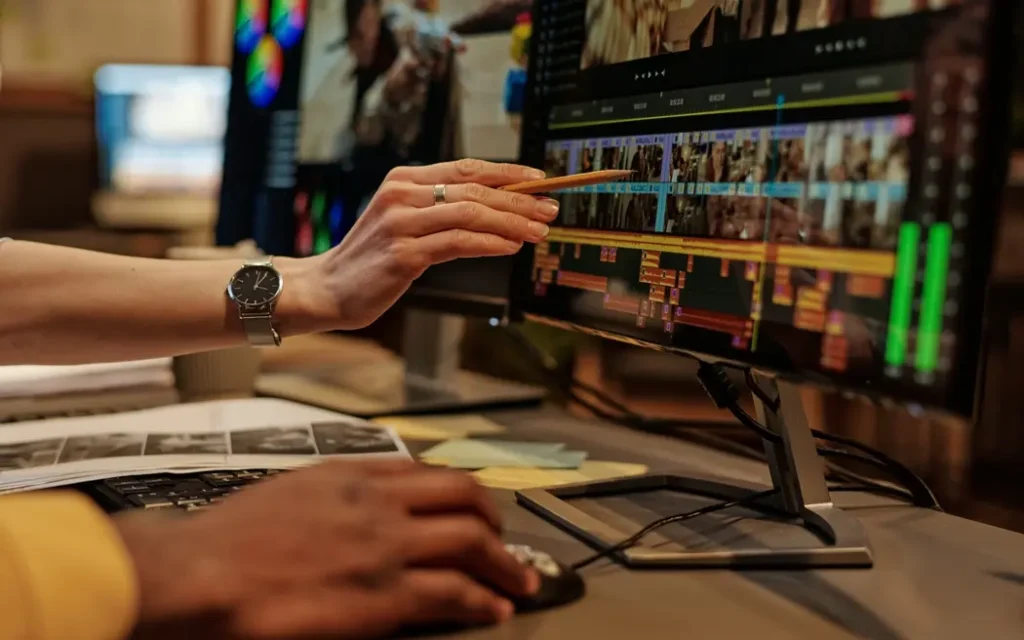
If your hook fails, nothing else matters. You can use the best AI video editing software for YouTube, polish transitions, add animated captions, and optimize sound. But if the first two seconds feel weak, the algorithm moves on. So does your audience. This is where strategy beats automation.
The 3-Layer Hook Formula
1. Pattern interrupt. It is a surprise, over-the-top dramatic, that draws the audience in and exerts some form of emotional influence.
2. High-stakes promise. It answers the question of “Why should I care right now?”
3. Fast payoff or tease. It refers to providing the audience with immediate value or a reason to continue watching.
An example of this would be instead of saying:
“Here are three AI edit tools you should use. …”
You might say, “You are wasting your time editing, and here is how to cut that time in half.”
Short, direct, and slightly provocative.
Where AI Helps and Where It Hurts
An AI video editor often includes script suggestions or hook generators. These tools can produce dozens of variations in seconds. That is powerful.
However, most outputs share the same rhythm. The same predictable structure. The same tone.
And that is exactly what viewers subconsciously recognize.
Many creators discussing options in the best free AI video editor Reddit threads mention this issue. The script feels polished but flat. Technically correct. Emotionally neutral.
So here is the rule: generate with AI, refine like a human.
Testing Multiple Hook Variants
Instead of betting on one version, create three.
- Version A: Aggressive claim
- Version B: Curiosity-driven
- Version C: Relatable frustration
Then rotate them across Shorts.
Even when experimenting with AI video editing DaVinci Resolve workflows inside DaVinci Resolve, the hook remains the decisive factor. The tool enhances clarity. The hook drives retention.
In short, editing makes content smooth. Hooks make content powerful.
Next, we move to the operational core of scale, auto-clipping, and smart editing.
Step 3: Auto-Clipping and Smart Editing for Volume
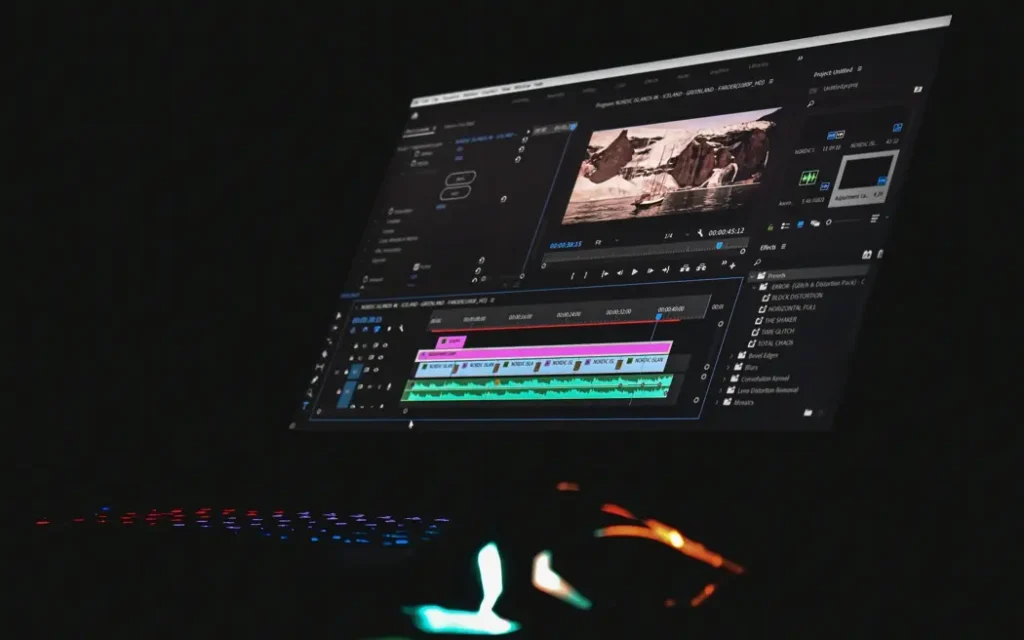
Now we get to the leverage point. If you create long-form content, you are sitting on dozens of Shorts already. The problem is extraction. Manual clipping destroys momentum. It is slow, repetitive, and mentally draining. This is where a serious AI video editor becomes a production multiplier.
Turning Long-Form Into Short-Form Automatically
Modern AI tools can:
- Detect emotional spikes.
- Identify strong statements.
- Remove silence gaps.
- Auto-cut filler words.
- Reframe horizontal video into vertical format.
That means you can upload a 60-minute podcast and receive 10–20 usable clip suggestions within minutes.
In many AI video editor Reddit discussions, creators highlight highlight-detection accuracy as the most important feature. And they are right. If the AI selects weak moments, you waste time reviewing. Precision matters more than flashy effects.
Editing for Platform Context
Shorts are not just smaller videos. They follow different behavioral patterns.
For example:
- Faster pacing.
- Larger captions.
- Tighter framing.
- Visual movement.
The best AI video editing for social media tools adapts automatically to vertical formats and platform requirements. That alone can save hours every week.
Not All AI Is Equal
Creators often compare platforms inside the best AI video editing tools Reddit threads, especially regarding export speed and stability. Some tools look impressive but crash during batch processing. Others restrict resolution unless you upgrade.
And yes, you can experiment with the best AI tools for video editing free, but be prepared for watermarks, limited exports, or slower rendering. Efficiency is not just about features. It is about reliability.
When auto-clipping works properly, you shift from “editing content” to “curating content.” That mindset change unlocks scale. Next, we’ll talk about subtitles and packaging, the retention layer that most creators underestimate.
Step 4: Subtitles
In fact, shorts without captions underperform. Almost always. Most users scroll with sound off. If your message depends on audio, you lose attention instantly. That is why subtitle automation is not just a convenience feature inside an AI video editor. It is a retention mechanism.
Captions That Keep Eyes on the Screen
Modern AI tools can generate:
- Word-by-word animated captions.
- Auto-highlighted keywords.
- Emoji-enhanced emphasis.
- Branded color templates.
However, accuracy is critical. Even small transcription errors break trust. That is one reason creators often compare platforms in the best free AI video editor Reddit discussions. They want fast captions, but they also want precision.
The sweet spot is automation with manual review. Let AI generate the base. Then quickly adjust tone, emphasis, and formatting.
Step 5: Visual Packaging That Drives Retention
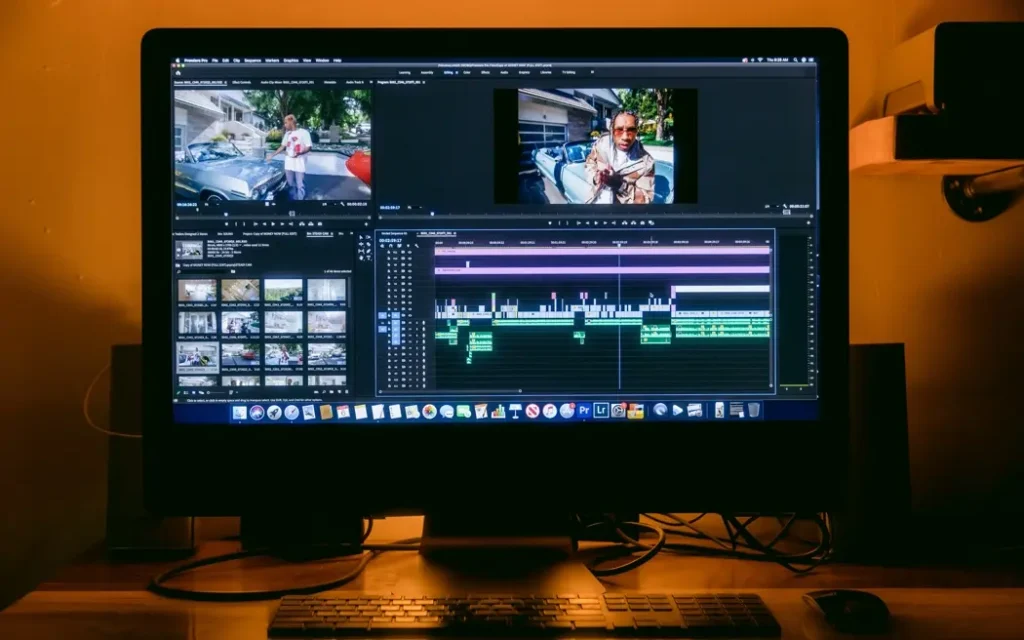
Visual Hierarchy and Scroll Psychology
Packaging goes beyond subtitles. You need:
- Strong opening frame.
- Clean framing on faces.
- Strategic zoom-ins.
- Motion elements every few seconds.
The best AI video editing software for YouTube increasingly includes smart reframing and auto-zoom features. These tools detect speaker movement and keep the visual focus centered. That matters more than most creators realize.
Titles, Descriptions, and Repurposing
Once the video is ready, distribution starts.
The best AI video editing for social media tools now suggests:
- Platform-specific titles.
- Hashtag clusters.
- Description drafts.
- Multi-platform resizing.
This is where scale becomes realistic. Instead of editing separately for TikTok, Reels, and Shorts, you adapt once and deploy everywhere. The editing phase creates the asset. Packaging makes it perform.
Next, we will look at the most common mistakes creators make when they lean too heavily on AI, and how to avoid sabotaging your own growth.
4 Common Mistakes in AI-Driven Shorts Production
AI gives you speed. But speed without judgment creates noise. We see the same mistakes repeated by creators who jump into automation too quickly. They install the newest AI video editor, experiment for two weeks, then blame the algorithm when views stall. Let’s break down where things usually go wrong.
Mistake 1: Content Feels “Too AI”
When scripts are generated without refinement, they follow predictable phrasing. The pacing feels mechanical. The transitions sound polished but lifeless. Audiences may not consciously detect it. But they feel it.
This problem shows up frequently in AI video editor Reddit discussions. Creators say, “The edits are clean, but something feels off.” That “something” is emotional flatness.
Solution:
- Rewrite hooks manually.
- Add personal opinion or micro-stories.
- Leave small imperfections.
- Avoid overusing template transitions.
AI should assist your voice, not replace it.
Mistake 2: No Hook, No Episode Structure
Another common issue is randomness. Creators publish isolated Shorts without narrative continuity. There is no “Part 2.” No series. No anticipation. Even the best AI video editing tools cannot fix weak positioning.
Instead, build:
- Weekly formats.
- Ongoing themes.
- Character-driven sequences.
- Educational arcs.
When viewers recognize a pattern, they return.
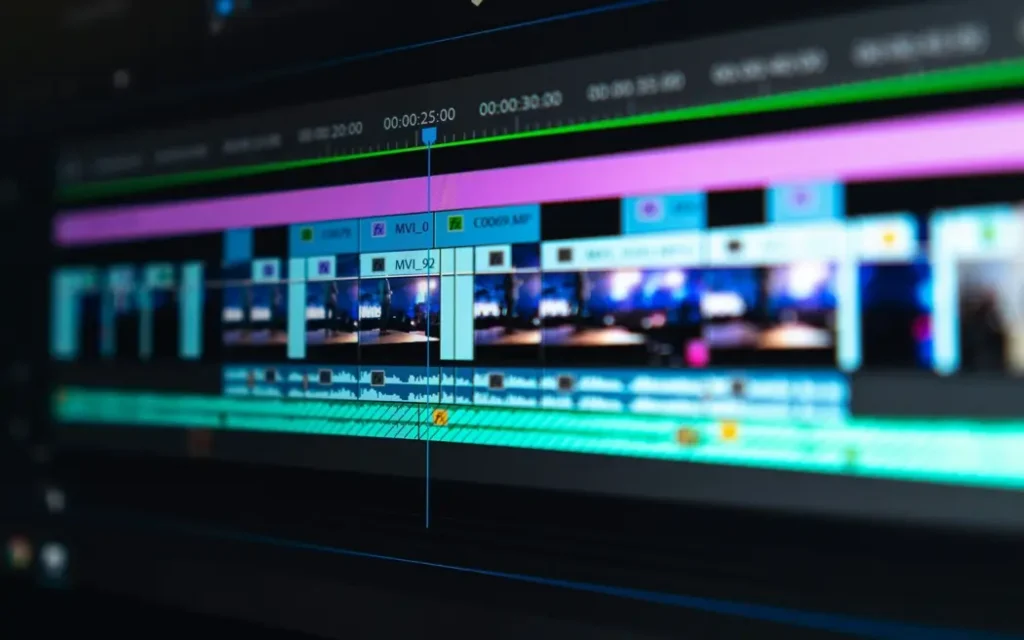
Mistake 3: Over-Reliance on Templates
Templates accelerate production. That is good. But if every clip uses identical captions, zoom patterns, and music beds, your brand becomes invisible. Even creators testing tools mentioned in best AI tools for video editing free lists often realize the limitations. Automation without differentiation kills memorability. AI handles repetition well. Your job is to maintain identity.
Mistake 4: Confusing Views With Business
This one is critical. Shorts generate reach. Not stability. You can use the best AI video editing software for YouTube, publish daily, and still struggle with monetization. Platform algorithms change. Ad revenue fluctuates.
Views do not equal ownership. And that brings us to the next strategic shift, turning Shorts into the top of your funnel instead of your final destination.
Shorts as the Top of the Funnel, Not the Business
Here’s the harsh truth: most creators don’t want to admit that Shorts give reach, not revenue. A viral 30-second clip can explode your follower count. But without a place to capture that audience, those views vanish. The algorithm owns the traffic, not you. That’s why thinking of Shorts as a “final product” is a mistake. They are the top of the funnel, the entry point to your ecosystem.
Why Funnels Matter?
A strong funnel does two things:
- Captures attention. Shorts get eyeballs fast.
- Retains control. You direct the audience to your own platform.
If you skip step two, all the AI-assisted editing, auto-clipping, and caption magic are just vanity metrics. Many creators in AI video editor Reddit threads express frustration. They follow trends, publish daily, and see growth in views, but the engagement doesn’t convert. Fans are scattered across TikTok, YouTube, and Reels. Monetization is limited.
From Attention to Ownership
To build a sustainable business long-term:
- Utilizing each ‘short-form’ as a teaser.
- Including CTAs, directing your audience to a location that you control.
- Designing a recurring series that creates a desire to binge-watch and return regularly.
Here we take a closer look at where your AI video stack business sense aligns with the strategy of your AI video stack business. In our next step, we will show you how Scrile AI fits into this picture to turn your Shorts from temporary attention impacts into a revenue-generating machine.
Scrile AI: Turning Shorts Traffic Into Revenue
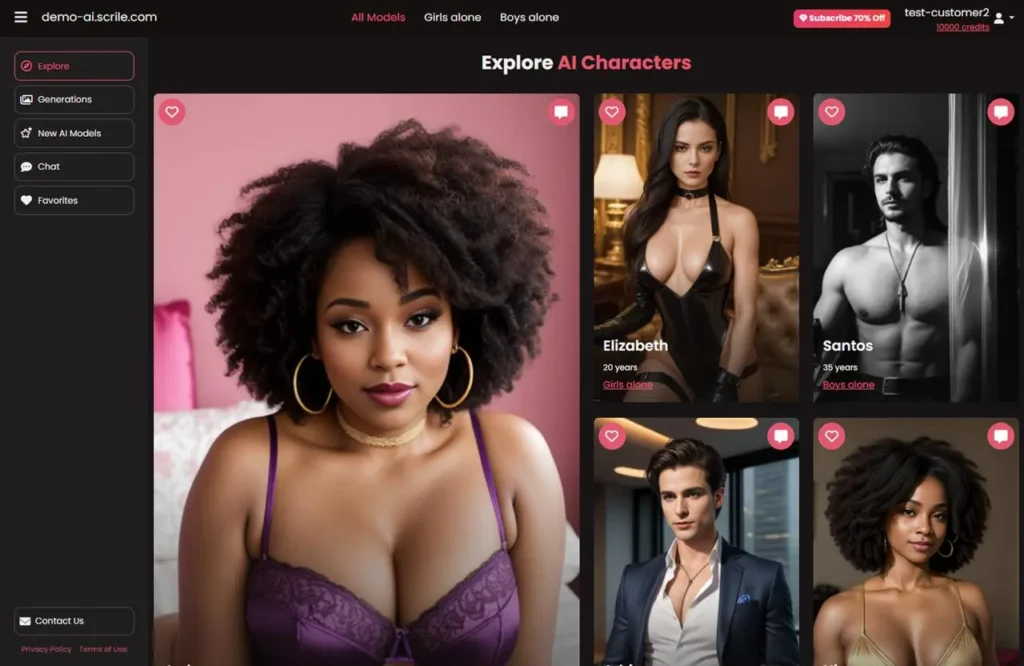
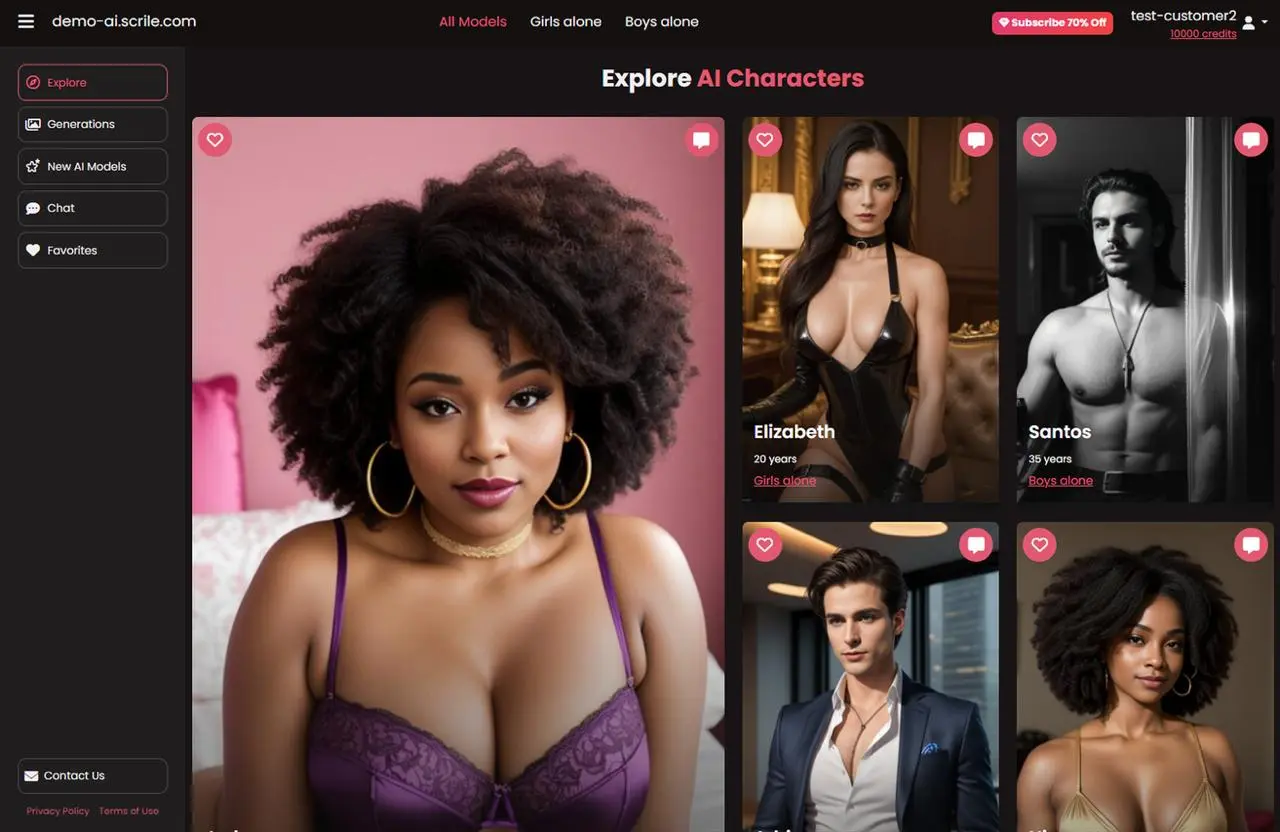
If Shorts are the top of the funnel, then you need a platform to capture and monetize that traffic. That’s exactly where Scrile AI comes in. It’s not just another AI video editor; it’s a creator-centric platform designed to keep your audience and revenue under your control.
What Is Scrile AI?
Scrile AI is a complete content creation solution designed for people that want to expand their online footprint beyond just a few posts. The platform combines AI-assisted video creation tools with a hosting and distribution platform integrated into its monetization tools for your audience. Scrile AI‘s key features are:
- Customizable platform.
- AI-powered automation.
- Monetization tools.
- Audience control.
Unlike social media, where algorithms dictate who sees your content, Scrile AI ensures your traffic remains yours.
If you’re serious about producing high-volume Shorts and monetizing effectively, Scrile AI is the missing piece in your AI video tool stack.
Related guides
