
Best Camera for OnlyFans in 2026: Beginner and Pro Setups
Choosing the best camera for OnlyFans in 2026 depends on how you shoot, not just what you buy. This guide breaks down real camera setups, lighting, and budgets — from iPhone starter setups to Sony and Canon upgrades — so you can create high-quality content and scale without wasting money.

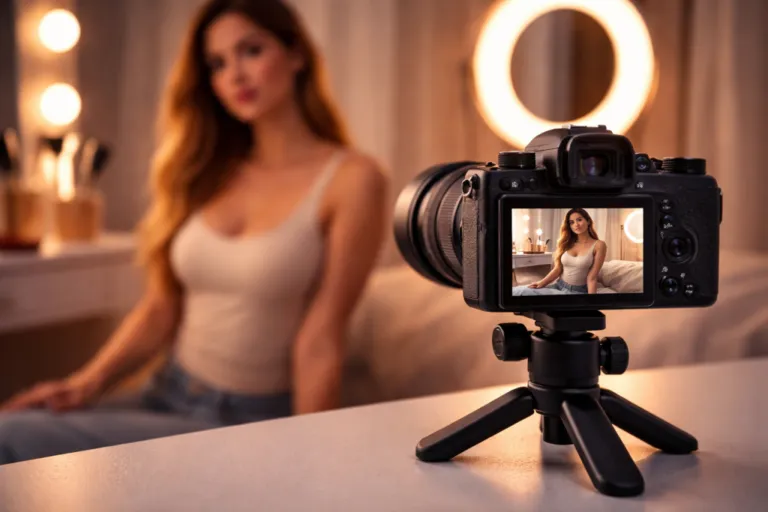
best camera for onlyfans
The best camera for OnlyFans at the start is often just an iPhone 17 Pro with good lighting. It’s already better than most setups people overpay for. If you want a dedicated camera, the Sony ZV-1 II is the easiest upgrade that actually feels like an upgrade. Moving further, the Sony ZV-E10 II or Canon EOS R50 gives you more control once you know what you’re doing.
Choosing the best camera for OnlyFans isn’t as straightforward as picking a model from a list. Two creators can use the same gear and end up with completely different results. One looks flat and low-effort. The other feels polished and premium. The difference usually has nothing to do with specs alone.
At the start, a modern phone with decent lighting can already produce content that sells. As creators grow, they move into dedicated cameras, lenses, and more controlled setups to shape how their content looks and feels. That shift is less about buying expensive gear and more about gaining consistency.
This guide focuses on what actually works in practice. Real camera models, real setups, and realistic budgets so you can start simple and upgrade without wasting money.
Phone or Camera: What You Actually Need
Most creators don’t start with a camera. They start with a phone, and in 2026 that’s not a compromise. The iPhone 17 Pro or Pro Max already shoots clean 4K, handles skin tones well, and is easy to use without thinking about settings.
For a beginner OnlyFans camera setup, that simplicity is a huge advantage. You can focus on angles, lighting, and content instead of fighting gear.
When a phone is enough:
- Solo content, selfies, short clips
- Good lighting (this is the real upgrade)
- Fixed positions like bed, chair, or standing shots
When it starts to fall apart:
- Low light → grainy, washed-out skin
- No real background blur → everything looks flat
- Hard to shoot hands-free consistently
- Limited control over framing and focus
At some point, the phone stops feeling like a tool and starts feeling like a limitation. That’s when upgrading actually makes sense.
Beginner Setup: Start Cheap but Look Good
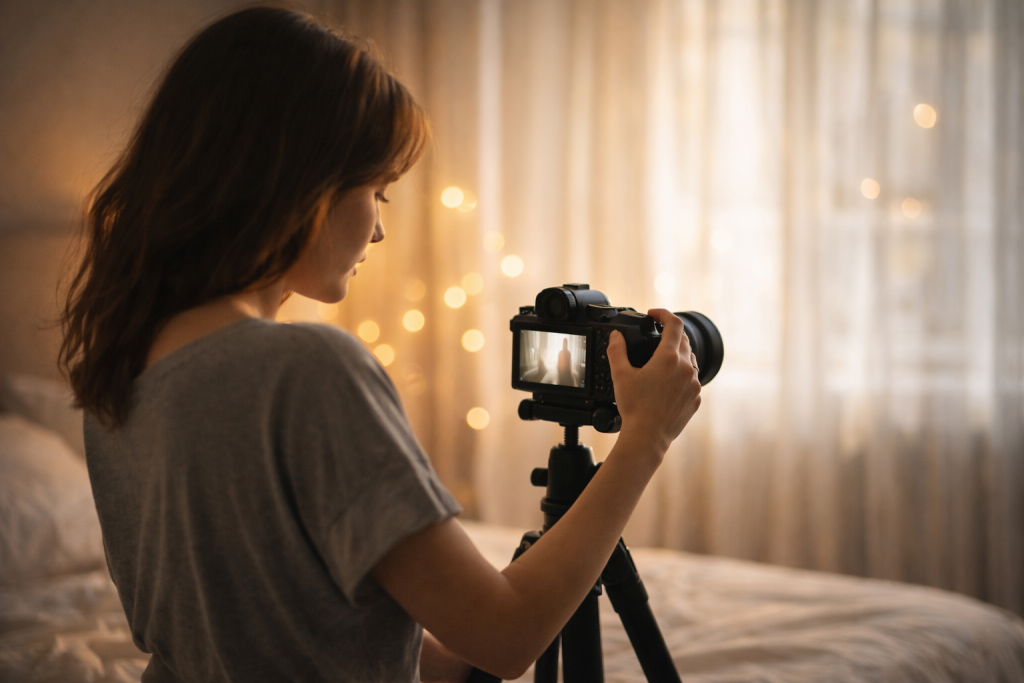
Before comparing cameras, make sure your basics aren’t holding you back. Most beginners don’t need new gear yet — they need a cleaner setup.
For a beginner, the best camera for OnlyFans is usually the phone you already have. An iPhone 17 Pro can deliver strong results if the shot is stable and the scene is controlled.
A tripod is the first thing worth adding. It frees your hands and instantly makes content feel more deliberate. After that, a simple ring light helps clean up shadows and makes the image more consistent.
Mini budget:
- Tripod — $20
- Ring light — $50
- Mic — $30
Around $100 total
This setup is not about quality jumps. It removes the most obvious weak points so you can focus on content before upgrading your camera.
Best Cameras for OnlyFans
Choosing between the best cameras for OnlyFans comes down to how you shoot, not just how much you spend.
Beginner Cameras
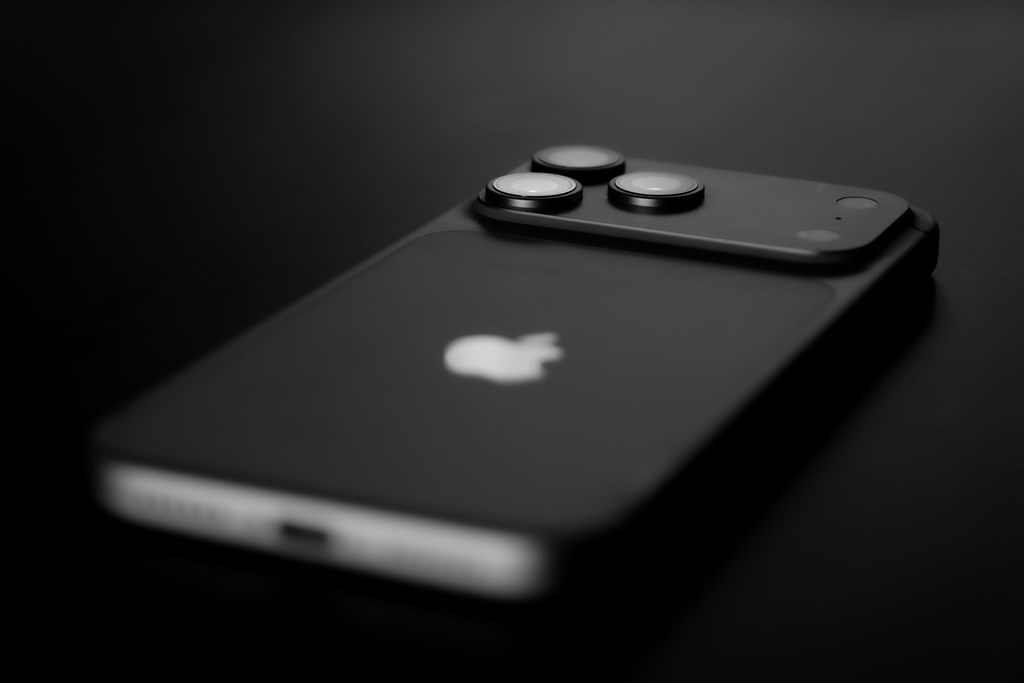
At the entry level, simplicity wins. The iPhone 17 is already a serious camera disguised as a phone. It handles 4K video, skin tones, and autofocus without effort. For solo content, selfies, and quick clips, it’s more than enough. Most beginners don’t outgrow it because of quality, they outgrow it because of control.
- Best for: solo adult content, selfies, short clips, daily uploads
- Downside: no real depth or control, content can look flat in intimate scenes
If your focus is live content, chatting, or streaming, the Logitech Brio 4K makes more sense. It’s designed to sit in one place and run for hours without overheating or losing focus. You won’t get cinematic depth, but you will get consistency, which matters more for live interaction.
- Best for: live cam sessions, chatting, interactive content
- Downside: flat image, no background blur, weak for premium-looking scenes
Mid-Level Cameras
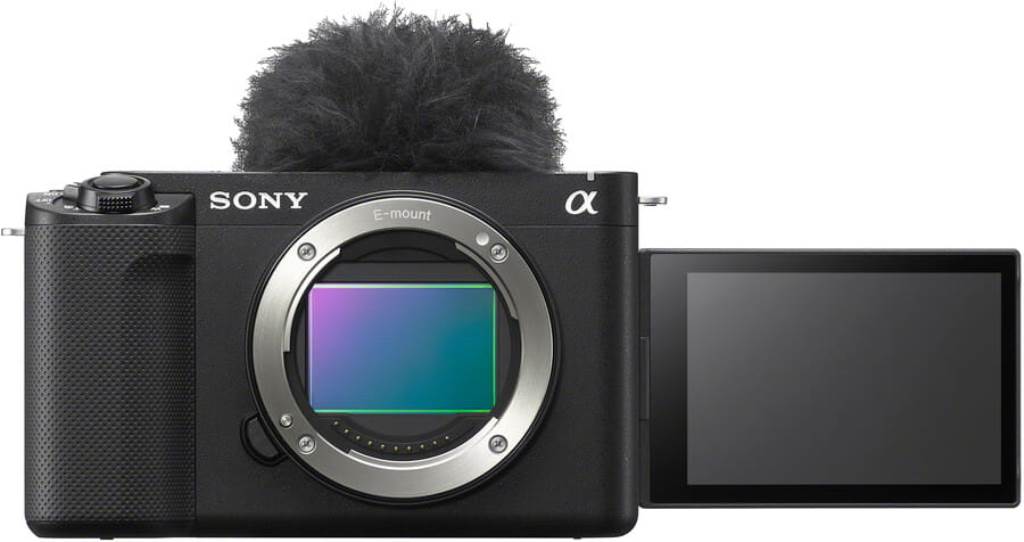
This is where things start to look intentional instead of casual.
The Sony ZV-1 II is one of the easiest upgrades. It’s compact, has a fast built-in lens, and handles low light much better than a phone. You don’t need to think about lenses or complicated settings. Turn it on, flip the screen, and shoot.
- Best for: solo adult creators who want cleaner skin tones and better low-light for bedroom shooting
- Downside: fixed lens limits how “cinematic” your content can get
The Canon EOS M50 Mark II sits in a similar space but gives you a bit more flexibility. It’s a good step if you want to start learning camera basics without going fully technical. Many creators pick it as their first “real” camera because it feels familiar but delivers a cleaner image.
- Best for: creators moving from phone to more controlled adult shoots
- Downside: older system, not ideal for long-term scaling
Advanced Cameras
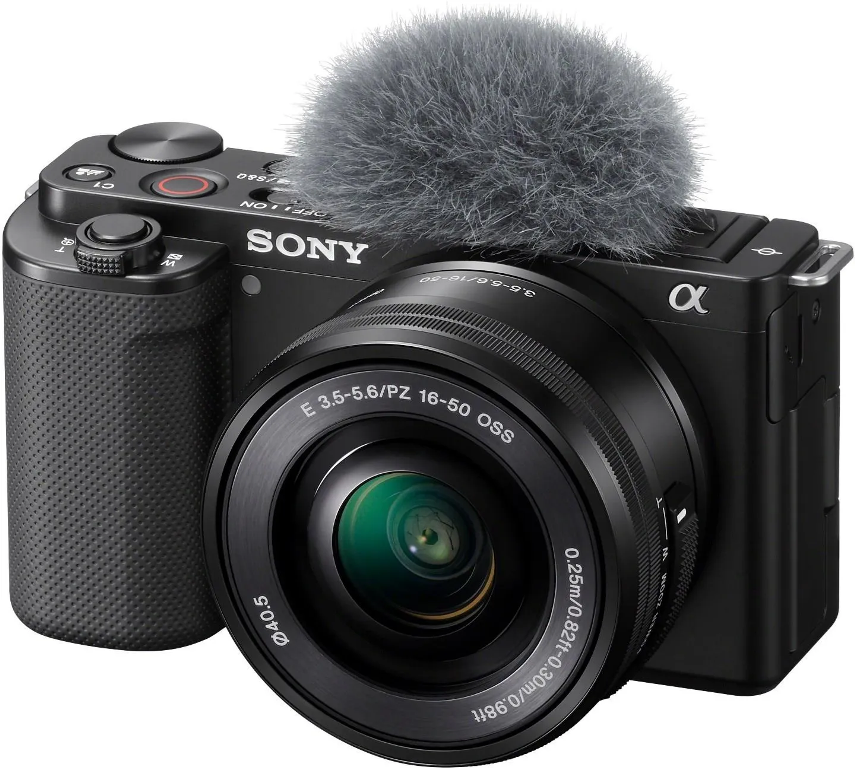
This is where your setup starts shaping your style.
The Sony ZV-E10 II is built for creators who want more control. You can swap lenses, control depth of field, and shoot in more challenging lighting. Pair it with a 50mm f/1.8 for a natural look or an 85mm f/1.8 for a more intimate, soft background feel.
- Best for: creators shooting boudoir, POV, or more styled adult content with depth and blur
- Downside: requires lenses and setup, not plug-and-play
The Canon EOS R50 is another strong option here. Autofocus is extremely reliable, which matters when you’re moving, changing angles, or shooting alone. You spend less time fixing mistakes and more time creating.
- Best for: solo adult creators who move a lot and need reliable autofocus during shooting
- Downside: still limited compared to higher-end setups
Pro Cameras
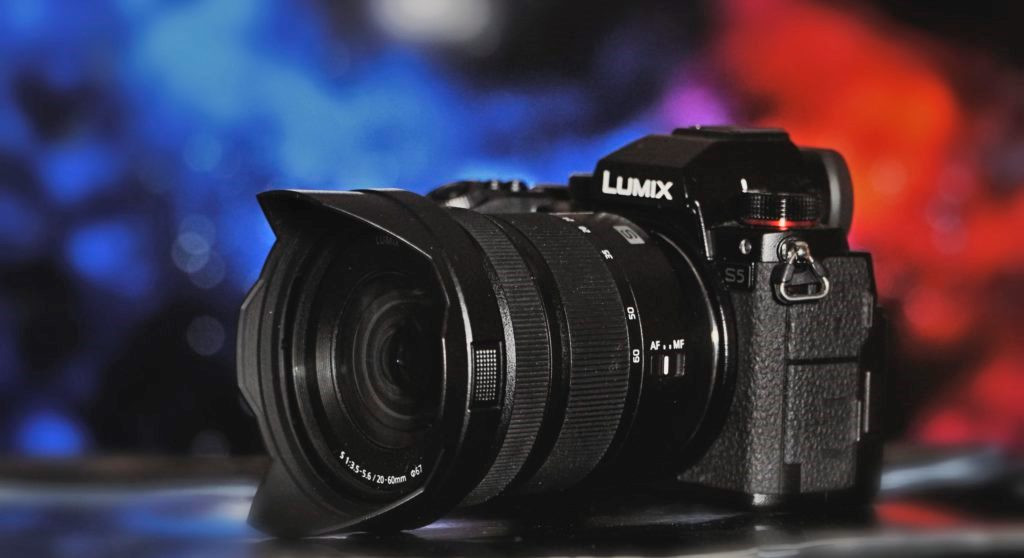
At this level, you’re not just creating content, you’re producing it.
The Panasonic Lumix S5 II is often chosen by creators who want a slightly more “film-like” image. It’s especially strong for controlled environments where you want consistent, polished output across multiple scenes.
- Best for: controlled adult shoots with cinematic look and consistent scene lighting
- Downside: heavier workflow, slower for quick content production
The Sony A7 IV delivers a cinematic look with strong low-light performance and high dynamic range. Skin tones look natural, and the image holds up even in more complex lighting setups.
- Best for: full-time adult creators producing premium, studio-style content
- Downside: expensive ecosystem (lenses, lighting, storage)
At this point, the best camera for OnlyFans isn’t about specs anymore. It’s about how much control you want over your final image.
Camera Comparison Table by Setup Level
Here’s how these options compare in practice:
| Setup Level | Camera | Price Range | Key Advantage | Best For |
| Beginner | iPhone 17 | Low | Fast start | beginners |
| Beginner+ | Logitech Brio 4K | Low | Stable streaming | live content |
| Mid | Sony ZV-1 II | Medium | Compact quality | solo creators |
| Mid | Canon EOS M50 Mark II | Medium | Easy upgrade path | beginners |
| Advanced | Sony ZV-E10 II | High | Lens flexibility | scaling content |
| Advanced | Canon EOS R50 | High | Reliable autofocus | solo creators |
| Pro | Sony A7 IV | Very High | Cinematic quality | full-time creators |
| Pro | Panasonic Lumix S5 II | Very High | Film-like output | studio setups |
Lighting, Sound, and Background: What Actually Changes Quality
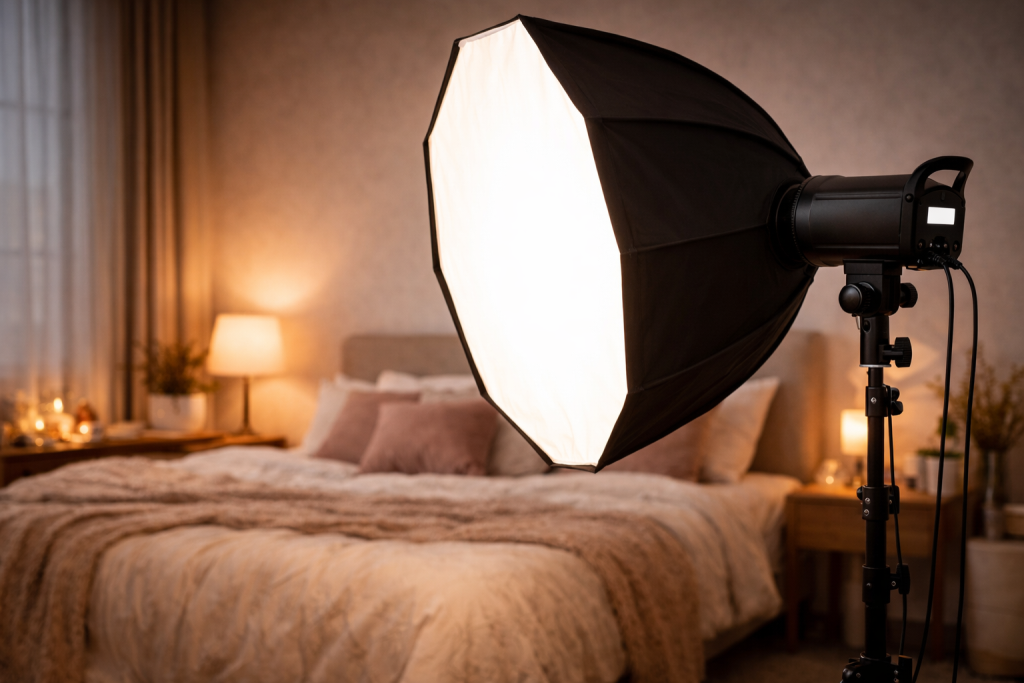
This is where content stops looking casual and starts looking expensive. You can buy the best camera for OnlyFans, but if the light is bad, the frame still looks flat. Soft skin, depth, and that more polished, intimate feel usually come from setup, not from the camera body alone.
Lighting (core factor)
A decent light changes more than most camera upgrades. The Godox SL60W is a common first step because it gives you stable daylight-balanced output around 5600K and enough power for a small room. If you need more punch, the Godox SL60II or SL150 handles larger spaces better. Pair either with a Neewer softbox kit and the image gets softer fast. Shadows stop cutting across the face, highlights look cleaner, and skin tones become more flattering.
The biggest advantage of continuous lighting is simple: you can see the result before you shoot. No guessing, no “maybe I can fix it later.”
Lighting enhances video quality, helps fans see intimate details, and creates moods and atmosphere for high-quality OnlyFans content.
— What is the Best Lighting for OnlyFans Creators?, Supercreator
Sound (often ignored but critical)
Audio is where a lot of creators accidentally cheapen good footage. Built-in camera mics pick up room echo, distance, and every little ugly reflection in the space. A small mic like the Rode VideoMicro makes voice sound closer and warmer. A cheaper option like the Boya BY-M1 still does a solid job for customs, dirty talk clips, and more personal videos where the voice is part of the fantasy.
Bad audio breaks immersion faster than slightly imperfect video. That is just how people watch adult content. They may tolerate softer resolution. They usually won’t tolerate thin, hollow sound.
Background (simple but powerful)
Background is not decoration. It is part of the scene. In adult content, that matters even more. A clean bed setup, a tidy mirror corner, or a controlled boudoir-style frame can make simple content feel premium. For lingerie, solo teasing, or soft boudoir, neutral bedding and warm light usually work best. For cosplay or fetish niches, a themed corner, props, or LED accents can add more personality without turning the frame into chaos.
This is where the best camera for only fans setup starts to separate itself from random amateur content. Not because it costs more, but because nothing in the frame feels accidental.
Upgrade Logic + Budgeting
Upgrades only make sense when they pay for themselves. Think in simple math, not gear hype.
At $0–100, a phone setup is enough to start. At $300–800, compact cameras become reasonable while $1000–2000, mirrorless setups give you more control and a cleaner look. The real question is how fast that upgrade returns your money.
Example:
Gear cost = $800
Subscription price = $10
Subscribers = 50
Gross revenue = 50 × $10 = $500/month
Platform cut (20%) = $500 × 0.2 = $100
Net revenue = $500 − $100 = $400/month
Payback:
$800 ÷ $400 = 2 months
If you grow:
Subscribers = 80
Gross = 80 × $10 = $800
Net = $800 × 0.8 = $640
New payback:
$800 ÷ $640 ≈ 1.25 months
After that point, the upgrade isn’t a cost anymore. It’s part of your income system.
Right OnlyFans Setup For You Based on Your Goals and Content Style
| Content Style / Goal | Recommended Camera | Lens Choice | Lighting Setup | Budget Range | Why This Works |
| Solo beginner (phone content, selfies, short clips) | iPhone 17 Pro / Pro Max | Built-in lens | Ring light (Neewer 18″) | $0–$150 | Fastest way to start, quality already good if lighting is clean and stable |
| Webcam / live content (streaming, chatting) | Logitech Brio 4K / Razer Kiyo Pro Ultra | Fixed lens | Ring light or small LED panel | $100–$250 | Built for long sessions, stable framing, no setup friction during streams |
| Solo creator (pre-recorded content, better visuals) | Sony ZV-1 II / Canon G7X Mark III | Built-in fast lens | Softbox kit (Neewer / Godox) | $500–$900 | Cleaner image, better low-light handling, noticeable upgrade from phone |
| Portrait / boudoir content (premium aesthetic) | Canon EOS R50 / Sony ZV-E10 II | 50mm f/1.8 or 85mm f/1.8 | 2-point softbox setup | $900–$1500 | Strong background blur, smoother skin tones, more controlled and intimate look |
| Full-time creator (studio-level content) | Sony A7 IV / Lumix S5 II | 50mm + 85mm combo | Key + fill + backlight (Godox SL series) | $2000+ | Maximum control over lighting and framing, consistent quality across all content |
For studios building a full cam business rather than just filming content for OnlyFans, webcam platform software adds paid live shows, private sessions, and performer management that a camera setup alone cannot provide.
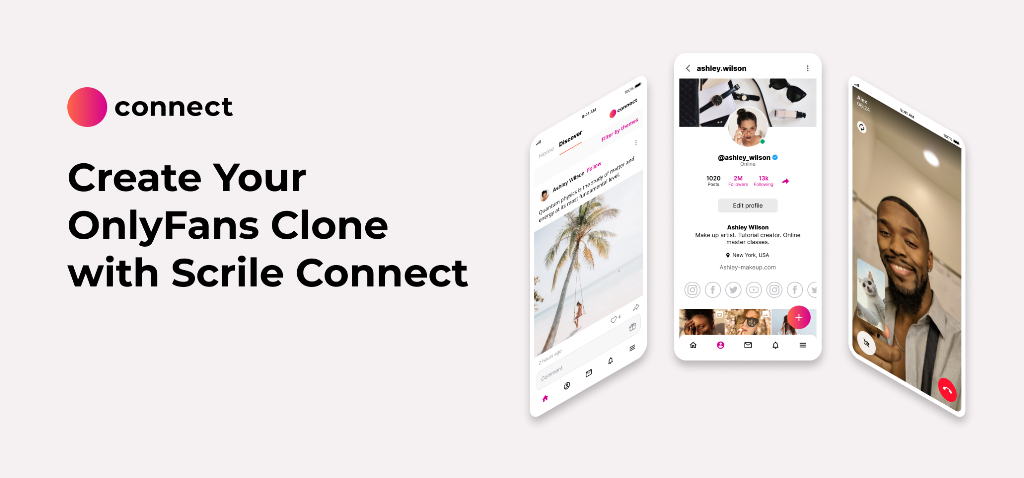
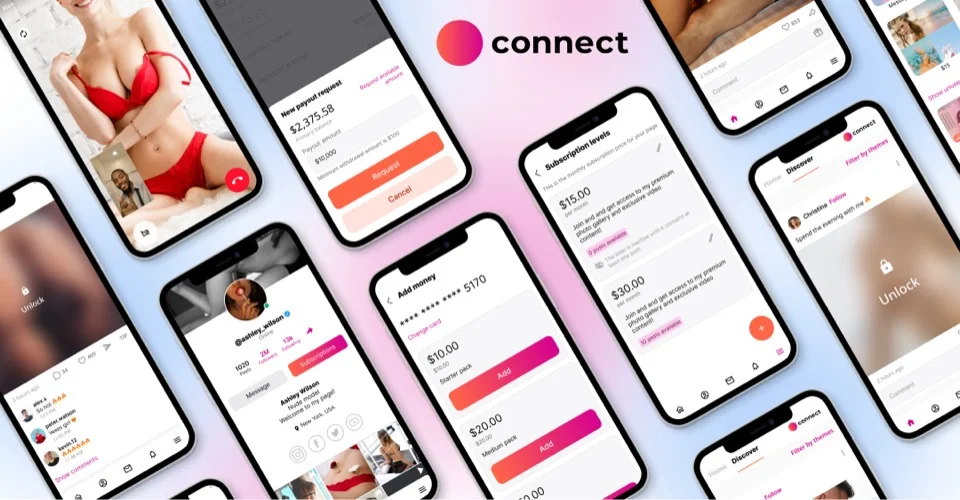
Turn Better Content Quality into Your Own Creator Business with Scrile Connect Solo
A better camera can make your content look cleaner, more premium, and more consistent. But gear alone does not build a creator business. If every photo, video, subscription, and fan payment still goes through a third-party platform, you are improving the content while leaving the business model under someone else’s control.
Scrile Connect Solo helps creators move from “posting content on a platform” to running their own paid creator website.
You can still use OnlyFans, Reddit, X, Instagram, Snapchat, or Telegram to attract attention. But your main paid experience can live on your own branded website, with your own domain, your own rules, and your own monetization flow.
With Scrile Connect Solo, you can build a creator website with:
- your own domain, logo, design, and personal brand
- subscriptions for recurring monthly revenue
- PPV photos, videos, locked posts, and premium bundles
- tips, paid messages, private calls, and custom offers
- content protection and watermarking tools
- flexible payment processing options
- fan management and admin controls
- analytics for content, users, and revenue
- zero platform commission from Scrile
- full control over pricing, access, and platform structure
This matters even more once you start investing in better equipment. A camera upgrade only pays off if the extra quality helps you earn more. Scrile Connect Solo gives you a place where that improved content can support a long-term fan business, not just another profile on a crowded platform.
Use better gear to make your content feel premium. Use Scrile Connect Solo to turn that premium content into a business you actually own.

Conclusion
Choosing the best camera for OnlyFans is not about chasing the most expensive model. What actually shapes how your content looks is everything around it — lighting, framing, and how intentional the setup feels. A simple setup done right can outperform expensive gear used poorly. Start with what you have, improve the environment, and only upgrade when your income clearly supports it. That’s how creators move from casual content to something that consistently sells.
FAQ
Do you really need a good camera for OnlyFans?
A good camera helps, but it is not the first thing that makes content look premium. Strong lighting, clean framing, and decent audio usually improve results faster than a camera upgrade.
What kind of photos usually sell best on OnlyFans?
That depends on your niche, but lingerie, boudoir, cosplay, fitness, POV, and fetish-focused content tend to perform well when the styling looks intentional. The common thread is not the outfit alone, it is the mood, angles, and consistency.
What is the best lens for OnlyFans content?
For portraits, boudoir, and more intimate framing, a 50mm f/1.8 or 85mm f/1.8 usually works best. These lenses give you softer background blur and a more flattering look than wide kit lenses.
Is an iPhone good enough for OnlyFans in 2026?
Yes, especially if you use an iPhone 17 Pro or Pro Max with good lighting and a tripod. For many beginners, that setup is already strong enough to shoot paid content.
What is the best camera for live OnlyFans content or chatting?
A webcam like the Logitech Brio 4K or Razer Kiyo Pro Ultra is often the easiest choice for live sessions. They are built for long use, stable framing, and quick setup.
Should beginners buy a mirrorless camera right away?
Usually no. It makes more sense to start with a phone or compact setup, then upgrade once your content and income are consistent.
What lighting works best for OnlyFans videos?
Soft, continuous lighting usually gives the best result because it smooths skin and keeps shadows under control. A Godox light with a softbox or even a solid ring light is enough to improve quality fast.
How much should you spend on an OnlyFans setup at the start?
A simple starter setup can work at around $100 if you already have a good phone. Most beginners do not need to spend more until the content starts bringing steady income.
What camera settings work best for OnlyFans videos?
For most creators, 4K or clean 1080p with stable autofocus and natural skin tones matters more than complicated manual settings. Good light and steady framing will usually do more for the final result than chasing perfect technical numbers.
Can you shoot good OnlyFans content without a studio?
Yes. A tidy room, controlled lighting, and a clear background can already look polished without turning the space into a full studio.
