
How to build a fundraising site donors actually trust
Learn how to create a fundraising site with the right scope, trust pages, donation flow, mobile checks, and platform handoffs.


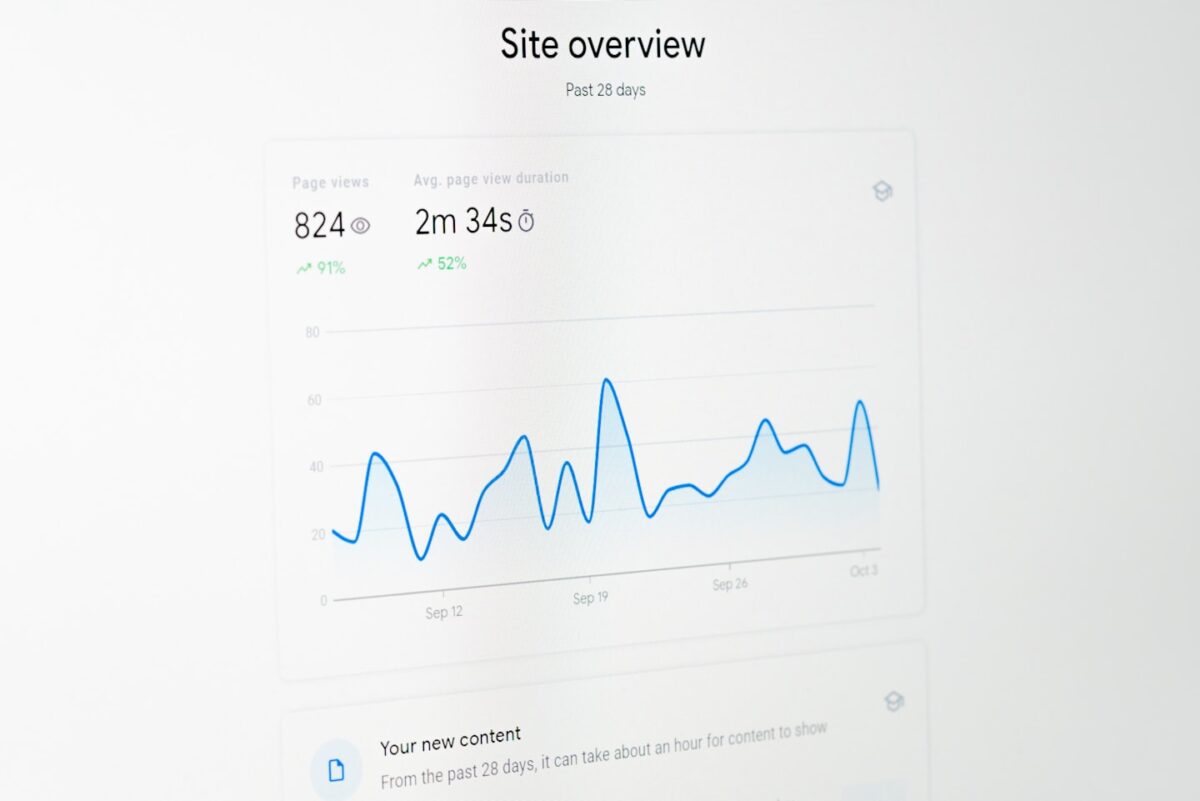
A modern fundraising website open on a laptop in a bright workspace, showing a branded donation platform for nonprofits.
Quick answer
A fundraising site is not a donate button with a logo. It is a branded system that proves who you are, shows where money goes, and makes it easy to return for the next campaign. In practice, that means choosing the right scope first, launching only the pages that affect trust and giving, and avoiding a custom build when a single donation page will do the job. If you need recurring support, campaign history, and donor messaging, build the site architecture deliberately. Not as a patched-together form.
For neutral context, this guide ties the setup advice to donor trust, mobile checkout, and security expectations, including NIST cybersecurity guidance later in the article.
If you are deciding whether to build a full fundraising site or stay with a donation page, the first mistake is obvious after launch: the team gets a payment tool, donors get no context, and nobody can explain the missing pieces without opening three tabs. A real site closes that gap. It shows the mission, routes people into the right campaign, and gives the team a place to manage updates, donors, and reporting without living in spreadsheets.
That difference matters because a fundraising site and a fundraising page solve different problems. A page collects one gift. A site supports repeat visits, multiple campaigns, recurring donations, and public proof of progress. When the setup is wrong, the hidden cost is not just design time, it is the weekly manual work that comes from stitching together a site, a payment tool, and a donor CRM. For a practical sister guide on the giving flow itself, use this guide for the site build itself; for the vendor-selection side of the decision, compare it with nonprofit fundraising platforms.
What a fundraising site is, and what it is not
A fundraising site is a branded destination for collecting money, explaining the cause, and keeping supporters informed after the first gift. It is not the same thing as a campaign page, and it is not the same thing as a payment form. The site owns the public story and the long-term structure; the page owns one campaign; the form owns one transaction.
That distinction is the reason many teams get stuck. They launch a clean donate button, then discover they need campaign history, milestone updates, team contact details, and a way to move supporters from one appeal to the next. At that point, the original setup starts to break. A visitor can still give money, but the organization cannot explain itself well enough to keep trust steady over time.
When a custom fundraising site is worth building
Not every cause needs a custom build. Some campaigns should stay simple, and overbuilding a small drive can burn budget before the first donation lands. The useful question is not “Can we build a site?” but “Will we use the extra structure?”
Use a donation page when the job is narrow
A single donation page is enough when the campaign is short, one-off, and low-maintenance. If the team only needs one message, one payment flow, and one thank-you screen, a full site adds more upkeep than value. Local drives, emergency appeals, and volunteer-led pushes often fit this pattern. In those cases, a fast page is the better move than a heavier build.
Build a branded site when donors need reasons to return
Choose a site when the organization needs recurring support, several campaign types, public progress updates, or a stable donor relationship. That is also the point where a branded experience starts to matter. A team that expects long-term giving usually needs more than a page, which is why the sister guide on nonprofit fundraising platforms is the right follow-up when the page-vs-site split turns into a vendor decision.
What happens if you choose the wrong scope
If you start with a form and later need multiple campaigns, the rebuild usually happens under pressure. Marketing wants updates, finance wants reconciliation, and supporters want clearer proof that the money is used well. That mismatch often adds extra tools and extra handoffs, which is how simple fundraising stacks turn into weekly admin work. A custom site can fix that, but only if the team actually needs the structure.
| Situation | Best setup | Decision trigger | Risk if you choose wrong |
|---|---|---|---|
| One-time local appeal | Donation page | One message, one goal, one deadline | You spend too much on structure you will not use |
| Nonprofit with recurring campaigns | Fundraising site | Need for repeat visits, updates, and more than one campaign page | A single page limits growth and makes updates awkward |
| Community or creator-led support model | Custom fundraising platform | Subscriptions, direct messaging, events, or gated supporter tiers | Simple forms miss retention and engagement features |
| Small team with no admin support | Hosted platform | Need to launch fast with minimal maintenance | A custom build becomes expensive to operate |
Minimum viable fundraising site structure
You do not need ten pages on day one. You do need the right pages. A workable launch stack is small: a homepage, campaign pages, a donation flow, a contact path, and legal/basic trust pages. That is enough to make the site usable without overbuilding it.
Homepage: one story, one route, one proof point
The homepage should answer three questions fast: who you are, what you are raising money for, and where the visitor should click next. If the page makes people read before they understand, it is too slow. Keep the lead sentence short, show one clear call to action, and give one proof point that makes the cause feel real.
Campaign pages: use of funds, milestones, updates
Campaign pages do the heavy lifting after the click. They should explain why the campaign exists, what the money supports, and how progress will be shown. A donor who can see milestones and recent updates is less likely to wonder whether the page is active or abandoned. This is the part many bare donation setups skip, which is why they feel thin after the first campaign ends.
Donation flow: keep the decision path short
The donation flow should do four things well: let the donor choose an amount, pick one-time or recurring, enter payment details, and finish without friction. Ask for more only when it changes the transaction. Long forms, unclear payment choices, and hidden recurring settings are the most common reasons people quit on mobile.
On small screens, even modest friction can stop motivated donors before payment. That is why a fundraising site should treat the payment path as architecture, not decoration. If the form feels like a tax return, it will lose gifts that the campaign already earned.
Trust and credibility pages
Trust is visible structure, not a footer badge. Donors want to know who runs the site, how funds are used, how to contact the team, and what happens after payment. Publish ownership details, a support path, basic policy pages, and visible campaign updates. For security and data-handling expectations, the public guidance from PCI DSS payment-security standards is a good baseline reference.
It also helps to study how public-facing fundraising systems explain themselves before asking for money. The structure used by GoFundMe, JustGiving, and FreeFunder is not identical, but the lesson is the same: the donor should understand the setup before the donation form appears. A site that hides the basics looks rushed, even when the payment tool works.
Contact, support, and legal pages
These pages are not filler. They are the proof that the site is operated by a real organization with a reachable human behind it. A visible contact path, a privacy page, and a clear ownership note reduce uncertainty faster than design polish does. If the visitor cannot tell who answers questions, the site will feel risky no matter how clean it looks.

How to build the site without wasting a month
The build should move in a strict order: decide the scope, map the pages, prepare the assets and integrations, connect payments, test the flow, launch, then assign ownership. Teams usually lose time when they start with visuals before they settle the donation path. A logo does not solve a broken checkout.
Step 1: lock the scope before the design starts
Write down whether the site is for one campaign, several campaigns, recurring gifts, or a broader donor relationship. That single decision controls the rest of the build. If you need only one temporary appeal, stop at a page. If you need repeat support and campaign history, build the site around those needs instead of adding them later.
Step 2: map the pages and the handoffs
List the homepage, campaign page, donation flow, contact page, and legal pages, then define where each one sends the user next. A lot of rebuilds happen because the team knows the content but not the handoff. The donor lands on the homepage, clicks a campaign, then hits a payment page that feels detached from the story. That break in continuity is where confidence starts to drop.
Step 3: prepare the assets and integrations before design hardens
Gather the organization name, contact details, campaign copy, payment details, and any proof points that support the cause before the design is locked. Missing assets force the team to write placeholders, and placeholders are what make a site look unfinished. At the same time, connect the payment processor, analytics, and any donor management tools that are part of the operating model. This is where the wrong build choice becomes expensive: if the team must copy data by hand after every gift, the saved setup time disappears quickly.
Step 4: connect payments and recurring giving
Choose payment methods that match your audience, then make recurring support visible at the exact moment of intent. Do not bury it in account settings after the gift. If recurring donations matter, they need to show up in the same flow as the first donation, not in a second process the donor will never finish.
Step 5: test on mobile before you publish
Before launch, run the full path on a phone, not just on desktop. Check whether a first-time visitor can understand the cause, find the donation button, complete payment, and see confirmation without asking for help. If the path feels slow or asks for the same information twice, it is too long for a first release.
Step 6: launch only the pieces that affect trust and giving
Do not wait for a blog archive, a donor gallery, or a fancy story hub. Those can come later. On day one, the site should prove that the organization is real, the money goes somewhere specific, and the donation path works cleanly. Anything that does not affect trust or giving can move to phase two.
Step 7: assign ownership for updates and support
Someone has to own campaign edits, donor questions, and reporting after launch. If no one is responsible for those tasks, the site will drift: the fastest way to lose trust is to let the page go stale while the campaign is still active. Name the owner before launch day, not after the first unanswered donor email.
Common failure points in fundraising sites
Most fundraising sites do not fail because the cause is weak. They fail because the path is unclear or the site looks unfinished. That is a workflow problem, not a branding problem.
Friction in the donation path
The most common break point is the form itself: too many fields, unclear amount choices, or a payment step that feels separate from the story. If the donor has to think too hard after deciding to give, the site is already losing money. The fix is usually simpler than the team expects: fewer fields, clearer labels, and fewer jumps between pages.
Weak trust signals
Donors leave when they cannot tell who runs the site or where funds go. A missing contact page, no ownership note, or no visible updates makes the site look temporary even if the project is real. For smaller campaigns, that uncertainty is enough to stop first-time donors from finishing the form.
Unclear use of funds
If the campaign page does not say what the money pays for, the donor is left guessing. That uncertainty lowers confidence and makes follow-up harder later. A simple line about use of funds and a short milestone plan do more work than a long mission statement.
Validation: how to check the site before launch
Before you publish, test the site like a donor would. That means looking for confusion, not just checking whether the buttons load. Most launch problems show up in the first minute of use.
Can a first-time visitor answer three questions in under a minute?
Ask whether the visitor can quickly tell who you are, what the money supports, and how to contact the team. If any one of those answers is buried, the site still feels incomplete. This is the simplest test for whether the trust layer works.
Does the donation flow finish cleanly on mobile?
Run the full flow on a phone, including amount selection, one-time or recurring choice, payment, and confirmation. If the path breaks, scrolls badly, or asks for repeated input, the form needs trimming before launch. Most first-week complaints come from mobile friction, not from the cause itself.
Can the team manage donations without spreadsheet gymnastics?
Check whether the admin side shows donations, donor activity, and campaign progress in one place. If someone has to export three files to understand what happened yesterday, the setup is already too heavy. The site should reduce manual work, not add a reporting chore every week.

Where a custom build stops being the right choice
A custom site is not automatically the best answer. If the campaign is short, the admin team is small, or the organization only needs one donation stream, a hosted platform or a simple form is the cleaner choice. The mistake is not using a custom build. The mistake is using one before the need exists.
The tipping point usually arrives when one page can no longer support the operating model. More than one campaign type, recurring gifts, public updates, direct supporter messaging, or event-based fundraising all push the site beyond a basic form. If you are still comparing options, keep the next step practical and compare control, fees, and admin load in nonprofit fundraising platforms and white label crowdfunding platform.
Why teams choose Scrile Connect for a fundraising site
Once a fundraising site needs to do more than accept one-time gifts, the setup becomes an operations problem as much as a design problem. The site has to support recurring donations, campaign updates, and donor communication, while the admin side has to keep reporting and moderation manageable. That is the fit for Scrile Connect: a custom fundraising platform for nonprofits, creators, and communities that need a branded site instead of a thin donation layer.
What makes that path different is the combination of recurring subscriptions and donations, paid events, livestream monetization, direct donor messaging, and campaign analytics in one place. For teams that care about retention, milestones, and transparency, that is often more useful than a simple form. It also helps the site feel like a live campaign rather than a checkout page, which matters when supporters are returning more than once.
Scrile Connect tends to fit nonprofits, creators, communities, and mission-driven teams that have outgrown a basic donation form and want more control over how supporters move through the site. It is a stronger match when the work includes moderation, supporter tiers, or multiple revenue streams, and a weaker match when the only need is a low-maintenance donate page with minimal admin overhead.
Ready to build the setup behind this?
If this is the operating problem you need to solve, use the product page as the next step. It shows where build your setup fits and what the platform covers beyond a single payment widget.
Frequently asked questions
When is a donation page enough instead of a full fundraising site?
A page is enough when the campaign is temporary, the message is simple, and the team does not need repeat visits or multiple campaign types. If the donor only has one decision to make, a full site is usually unnecessary.
What is the first thing that breaks when a fundraising site is too thin?
Usually the trust layer breaks first. If visitors cannot quickly see who runs the site, what the money supports, and how to contact the team, they hesitate or abandon the donation flow.
How do I know I have outgrown a simple donation form?
You have outgrown it when the team needs campaign pages, recurring support, donor messaging, or reporting that the form cannot handle cleanly. The warning sign is operational: more manual work and more disconnected tools.
What should I test before launching the site?
Test the full donation path on mobile, confirm the first-time visitor can understand the cause in under a minute, and make sure the team can see donations and campaign activity without exporting spreadsheets.
When should I keep a hosted platform instead of building from scratch?
Keep the hosted path when the team has limited admin capacity, one main campaign type, and no need for custom engagement features. In that case, a custom build can add cost without enough return.
What if I need recurring donations and events at the same time?
That is the point where a single payment form usually stops being enough. A branded platform is a better fit because the site has to support more than one way to give and more than one kind of supporter action.
