
Customer Onboarding Software for Faster Activation
Customer onboarding software helps users reach value faster and boosts activation, retention, and revenue. Learn how to choose the right tools, design effective onboarding flows, and build custom experiences with Scrile Meet for your platform.


customer onboarding software
Customer onboarding software helps users reach value faster by guiding them through key actions instead of leaving them to figure things out alone. It reduces time-to-value through guided setup, role-based segmentation, and contextual prompts. Checklists keep progress visible, while triggers react to user behavior in real time. The result is faster activation, better engagement, and fewer users dropping off early.
You bring users in. They sign up, maybe click around a bit, then disappear. No first success, no real engagement, just silent churn. It’s frustrating, especially when you know how much each signup costs. CAC keeps rising, but activation stays flat. That’s where most growth breaks.
The problem is rarely traffic. It’s what happens right after signup. Users don’t see value fast enough, so they leave before your product has a chance to prove itself. This is exactly where customer onboarding software comes in. It helps guide users, reduce confusion, and push them toward that first meaningful action.
When onboarding works, activation improves. When it doesn’t, everything downstream suffers.
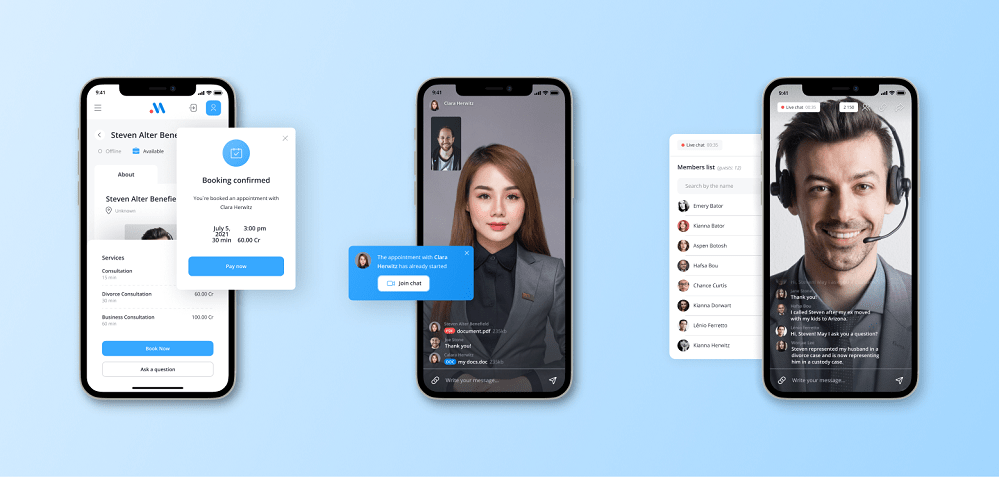
Why Users Don’t Reach First Value
Signing up is easy. Reaching value is not. That gap is where most products lose users. People register out of curiosity, then get stuck. No direction, too many options, no clear next step. They don’t fail. They just leave.
Here’s what usually happens:
- users land in a complex interface with no guidance
- they see too many features at once
- they don’t understand what to do first
- they get distracted or postpone exploring
- they never reach a meaningful action
This is why signup does not equal activation. Without structure, users don’t move forward. They stall.
A simple breakdown makes it obvious:
- 1000 users sign up
- 300 reach activation
- 700 drop off
That means 70% never experience real value. All the effort spent on acquisition stops there.
This is not a traffic problem. It’s an onboarding problem. And without proper customer onboarding software, it becomes almost impossible to guide users toward that first success moment in a consistent, scalable way.
What Customer Onboarding Software Actually Does

At its core, customer onboarding software is not about showing features. It’s about guiding users to their first meaningful result. Instead of leaving people alone after signup, it creates a structured path that leads them step by step toward value.
Most tools follow the same logic, even if the implementation differs:
- guided onboarding flows that introduce actions in the right order
- interactive product tours that show where to click and why
- checklists that make progress visible and tangible
- contextual tooltips that appear exactly when users need help
- behavior-based triggers that react to what users do or don’t do
For example, a user onboarding tool like Appcues focuses on building smooth in-app flows without code, helping teams guide users through key steps. A user onboarding platform such as Userpilot goes deeper into segmentation, allowing different flows for different user types. Intercom combines onboarding with messaging, so users receive prompts or nudges at the right moment. Pendo adds analytics into the mix, showing which onboarding steps actually drive activation.
“You can’t afford to neglect your user onboarding experience; your product’s success depends on it.”
Ramili John, Product-Led Onboarding
The difference is simple. Without structure, users explore. With onboarding, they progress.
One Flow Never Works: Segmented Onboarding
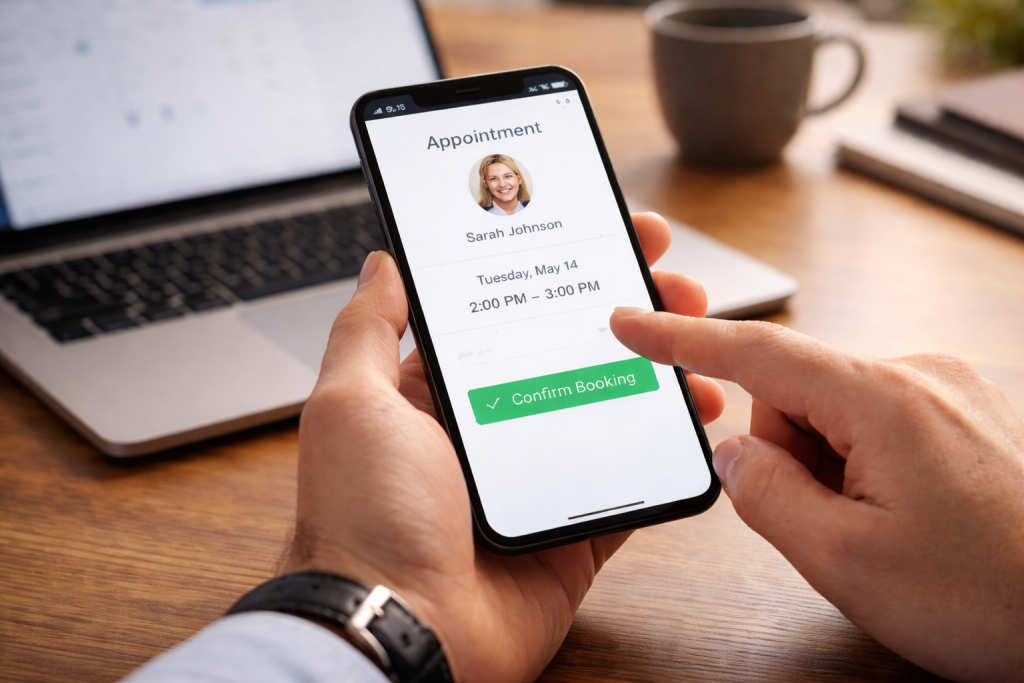
Most teams design onboarding once and assume it will fit everyone. It doesn’t. Users come in with different goals, and the first few minutes decide whether they stay or leave. This is where segmentation stops being a “nice to have” and becomes a core part of how customer onboarding software should work.
Why One-Size-Onboarding Fails
A single onboarding flow looks clean on paper. In reality, it slows people down. A new user who just wants to explore gets forced through setup steps. A more experienced user is stuck clicking through things they already understand.
That friction is subtle, but it builds fast. People don’t complain. They just stop.
The problem is simple. Different users want different outcomes from the same product. When onboarding ignores that, it creates noise instead of direction. Activation drops not because the product is bad, but because the entry point feels wrong.
This is why even well-designed customer onboarding software fails when it pushes everyone through the same path. It turns onboarding into a script instead of a guided experience.
How Segmentation Works in Practice
Segmentation fixes the starting point. Instead of guessing what users need, you react to who they are and what they do. That changes how onboarding users move through the product from the first interaction.
Take a simple case. In a consulting platform, one person signs up to offer services, another to book them. If both see the same steps, one of them is lost immediately. When flows are split early, each user moves faster toward their goal.
- Role-based onboarding adjusts the path depending on user type, so creators focus on setup while clients move straight to discovery and booking.
- Behavior-based flows react to actions, helping users who hesitate while letting others move forward without interruption.
- Dynamic checklists reduce overload by showing only what matters next, which makes onboarding new users feel manageable instead of heavy.
- Triggered prompts appear at the right moment, guiding users without breaking their flow or forcing extra steps.
Features That Actually Reduce Time-to-Value
Not every feature in customer onboarding software matters equally. Some look nice but don’t move users forward. The ones below directly impact how fast people reach their first meaningful result.
| Feature | What it does | Impact on activation |
| Product tours | Guide users through first key actions | Faster activation |
| Checklists | Show progress and next steps | Higher completion rates |
| Segmentation | Adapt flow based on user type | Better retention |
| Triggers | Respond to user behavior in real time | Immediate support |
Early Success Metrics That Matter
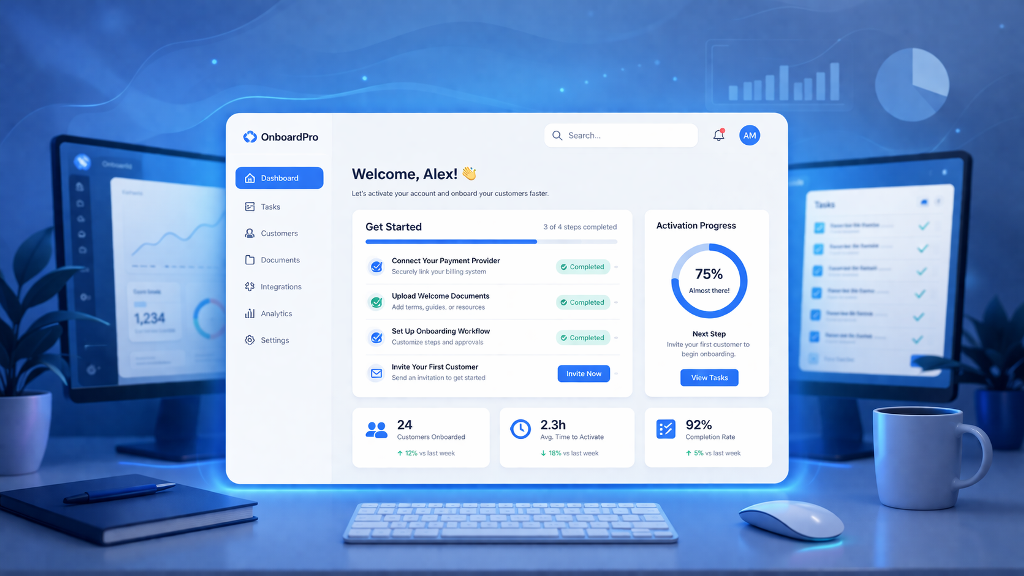
Good onboarding feels nice. Measurable onboarding drives growth. If you can’t track what happens after signup, you’re guessing. Strong user onboarding is always tied to a few early signals that show whether people are actually moving forward.
The first one is activation rate. How many users reach their first meaningful action. Then comes time-to-value, how quickly they get there. If it takes too long, most users drop before they understand the product. Adoption depth shows how many core features they actually use, while early retention tells you if they come back after the first session.
A simple example makes the impact clear:
- 1000 users sign up
- 30% activate → 300 users
- onboarding improves → 45% activate → 450 users
That’s +150 activated users without increasing traffic.
If each activated user brings $20 in early revenue:
- before: 300 × $20 = $6,000
- after: 450 × $20 = $9,000
That’s a $3,000 increase driven purely by better onboarding, not more acquisition.
This is why new user onboarding should be treated as a growth lever. Small improvements at the start compound across the entire funnel.
How Onboarding Connects to Revenue

Onboarding is not a UX layer. It’s part of your revenue engine. Every step a user takes early on affects whether they stay, pay, or disappear. This is where customer onboarding software becomes directly tied to money.
The flow is simple:
- onboarding → activation
- activation → conversion
- conversion → retention
- retention → revenue
If onboarding fails, everything after it weakens.
In SaaS, this often means users never reach the “aha” moment, so they don’t upgrade. In consulting platforms, users don’t complete their first booking. As for marketplaces, buyers browse but never transact. The pattern is the same. No early success, no revenue.
This works a lot like affiliate logic. You don’t judge performance by clicks, but by outcomes. Onboarding should be measured the same way. Not by completion rates, but by actions that lead to value.
This is why user onboarding tools should be designed around real events. First session booked, first payment completed, first meaningful interaction. When onboarding is tied to these moments, it stops being guidance and starts becoming growth.
Customer Onboarding Software vs User Onboarding Tools
People mix these up all the time. They’re not the same.
If your onboarding is basically “show the user around the interface,” you’re dealing with user onboarding tools. Think product tours, tooltips, little hints that help someone click the right buttons.
But once onboarding includes real actions outside the interface, things change. Booking a session. Setting up a service. Getting paid. That’s where customer onboarding software comes in. It’s less about explaining the product and more about getting the user to a real outcome.
A quick rule that actually works:
- if your first value happens inside the UI → user onboarding tools are enough
- if it depends on actions like setup, approval, booking or payment → you need customer onboarding software
Most products start with one and grow into the other. The mistake is picking the wrong one too early and wondering why activation stalls.
Real Tools and When to Use Them
Choosing the best user onboarding software depends on how your product works and how you want to onboard users. Some tools focus on simplicity, others on control. The difference shows up quickly once you start building real flows.
Appcues
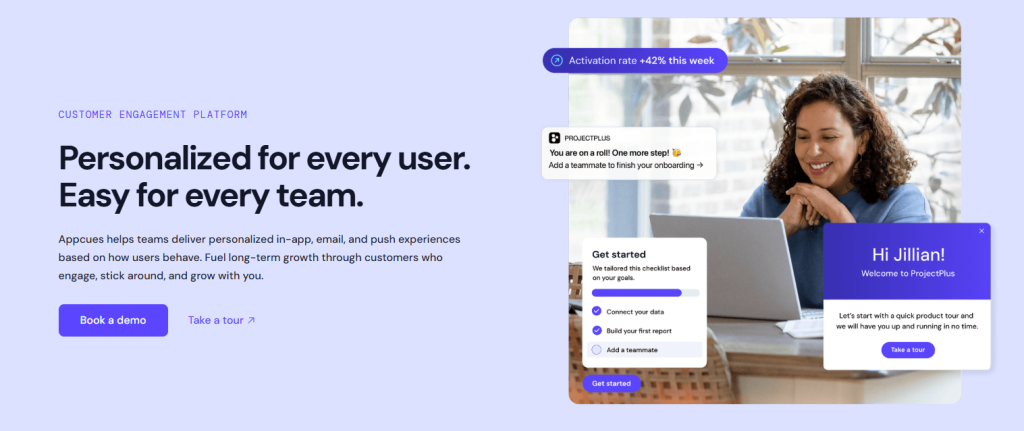
Best for: teams that want to launch onboarding fast without writing code.
Appcues lets you build product tours, checklists, and flows directly inside your product. It works well for straightforward onboarding where the goal is to guide users through key steps quickly.
Limitation: limited flexibility for complex logic. Once your flows depend on deeper behavior or segmentation, it can feel restrictive.
Use it if your onboarding is mostly linear and happens inside the product interface.
Userpilot
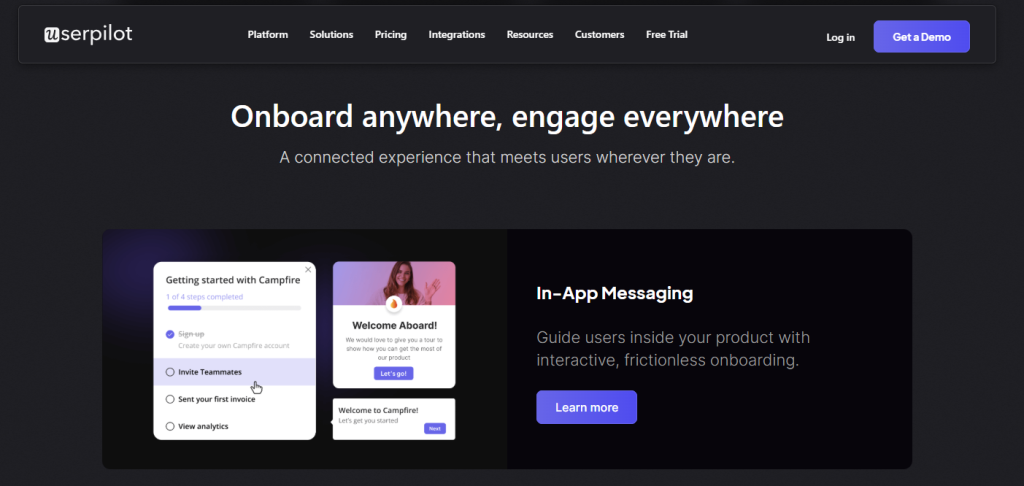
Best for: products that need strong segmentation and tailored onboarding.
Userpilot allows you to onboard users differently based on role, behavior, or lifecycle stage. It’s useful when your product has multiple user types and one flow no longer works.
Limitation: takes more time to set up properly. Without clear structure, it can become overcomplicated.
Use it if your product has different user types and onboarding needs to adapt dynamically.
Intercom
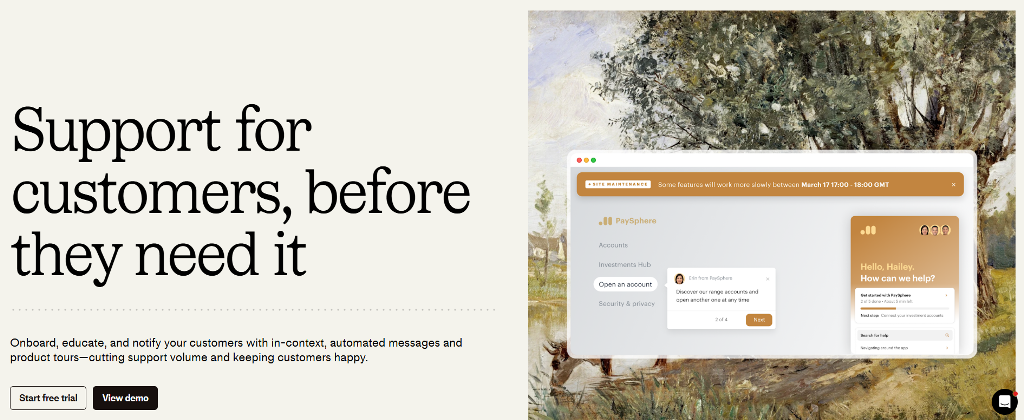
Best for: combining onboarding with communication.
Intercom is not just a product tour tool. It helps you onboard users through messages, emails, and in-app prompts. This works well when onboarding continues beyond the first session.
Limitation: onboarding features are not as deep as dedicated tools. It’s stronger as a communication layer.
Use it if onboarding continues after signup through messages, reminders, or support interactions.
Pendo
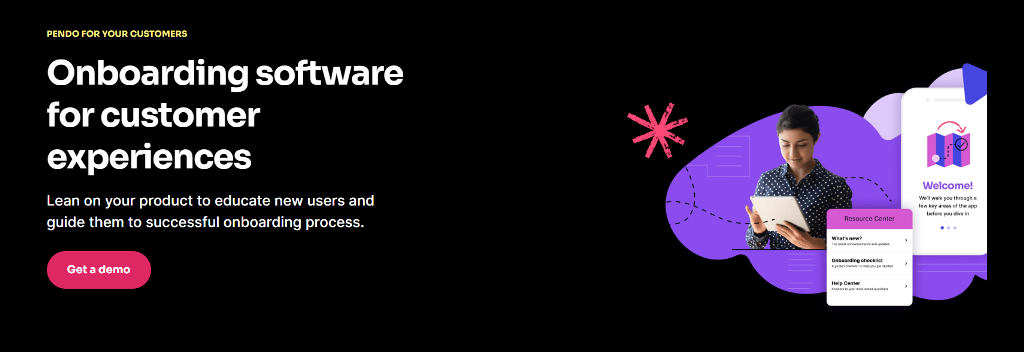
Best for: teams that want to connect onboarding with analytics.
Pendo shows which flows actually drive activation and where users drop. This makes it easier to adjust onboarding based on real data, not assumptions.
Limitation: more complex and often heavier to implement. It’s better suited for products with enough scale to justify analytics-driven onboarding.
Use it if you want to optimize onboarding based on real usage data, not assumptions.
Scrile Meet: Custom Onboarding That Fits Your Product
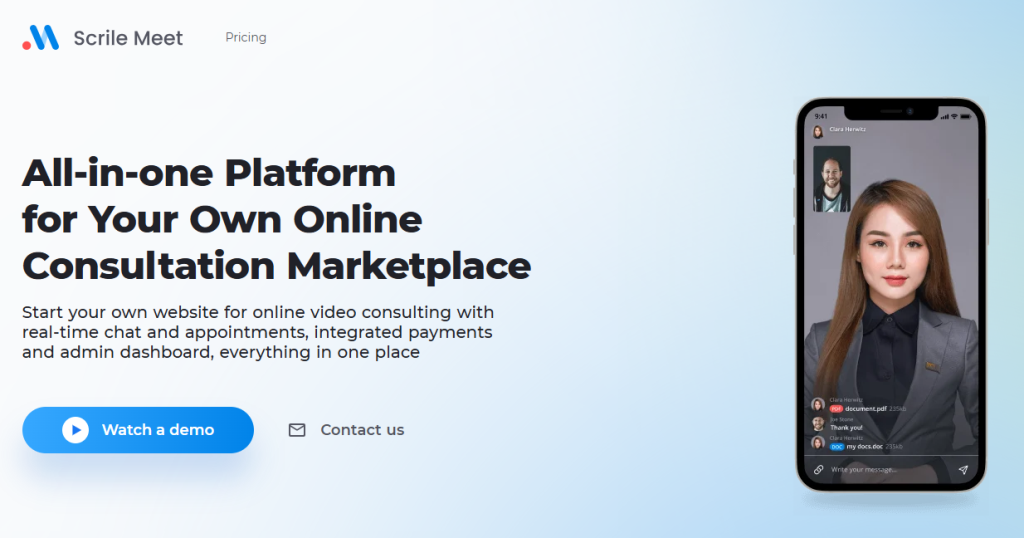
Most tools help you add onboarding on top of an existing product. Scrile Meet takes a different approach. It allows you to build the product and the onboarding logic together, so the experience matches how your business actually works.
This matters for platforms where activation is tied to real actions. Booking a session, completing a consultation, making a payment. These are not generic steps, and standard tools often can’t handle them properly. That’s where customer onboarding software built as part of the product becomes more effective.
With a custom approach, you can:
- design onboarding flows around real user goals, such as booking a first session or setting up a service instead of following a generic checklist
- connect onboarding directly to payments, subscriptions, and user actions so activation reflects actual value, not just clicks
- adapt onboarding for different roles, whether it’s experts, clients, or marketplace participants with completely different paths
- control how and when prompts appear, ensuring users move forward without being overwhelmed or distracted
This makes onboarding part of the product itself, not an add-on.
What You Should Choose
| Stage / Product Type | What You Need | Best Approach | Why It Works |
| Early-stage product | Fast setup, simple guidance | Basic onboarding tools | Helps onboard users quickly without overcomplicating the flow |
| Growing product | Segmentation, flexible flows | Advanced onboarding tools | Adapts onboarding to different user types and behaviors |
| Complex platform | Multi-role logic, real actions | Custom onboarding (e.g. Scrile Meet) | Connects onboarding to bookings, payments, and real activation events |
| Scaled business | Optimization and analytics | Hybrid approach (tools + custom logic) | Allows continuous improvement based on real user data |
Conclusion
Onboarding is not a secondary step. It’s a growth lever. Bringing users in is only half the job. What matters is how many reach real value. Activation always beats acquisition when it comes to long-term results.
Software gives you structure, but results come from how you use it. If you want full control over onboarding and activation, explore Scrile Meet solutions.
FAQ
What is customer onboarding software and how does it improve activation?
Customer onboarding software helps new users reach value faster through guided steps, prompts, checklists, and behavior-based flows. It improves activation by reducing confusion and moving users toward key actions sooner.
What features should I look for in the best user onboarding software?
Look for guided tours, segmentation, progress tracking, contextual prompts, and triggers based on user behavior. The best tools also help you measure activation and adjust flows over time.
How does customer onboarding software reduce time-to-value for SaaS products?
It shortens the path between signup and first useful result by showing users what to do next inside the product. That means less wandering, fewer drop-offs, and faster activation.
Why is segmented onboarding better than one-size-fits-all onboarding?
Different users come in with different goals, so one flow rarely works for everyone. Segmented onboarding improves relevance and helps each group move toward value faster.
Which user onboarding tools are best for startups and early-stage products?
Early-stage teams usually benefit from simpler tools that are fast to launch and easy to manage. The right choice depends on whether you need basic flows, messaging, or deeper segmentation.
How do user onboarding tools affect retention and early revenue?
Better onboarding increases activation, and activated users are more likely to convert and stay. That means stronger retention and more revenue without spending more on acquisition.
When should a business choose custom onboarding instead of off-the-shelf tools?
Custom onboarding makes sense when activation depends on product-specific actions like bookings, payments, or multi-role flows. Standard tools often struggle when the user journey is tightly tied to the business model.
