
Live Streaming for Churches: Setup, Equipment, Costs, and Best Practices
Discover how to start live streaming for churches with the right gear, software, and platforms. Compare costs, explore best practices, and learn how Scrile Stream helps build your own branded streaming site for sermons, events, and private church content.

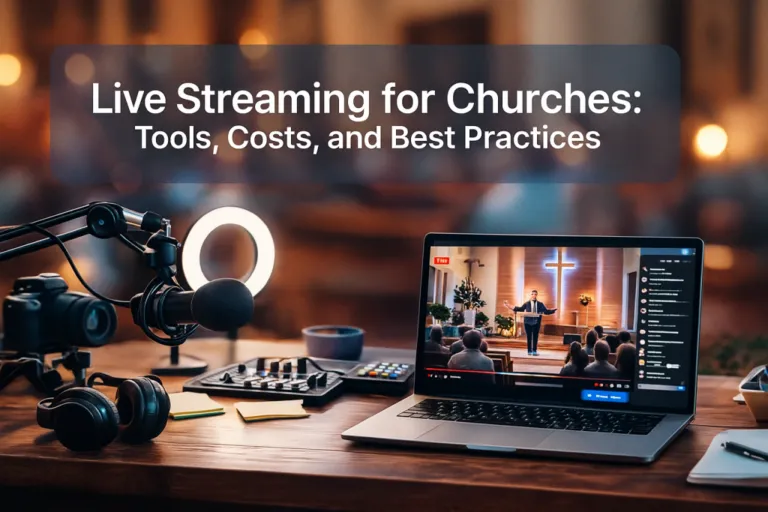
church streaming platforms
Church life spreads beyond the walls now. People watch from small apartments, hospital rooms, kitchens, cars parked outside work. A stream keeps them included. It keeps the rhythm of the week familiar, even when they can’t show up. This is why live streaming for churches holds such weight in 2026. It meets real needs instead of waiting for perfect conditions.
Most churches think streaming demands a studio or a tech department. It doesn’t. A simple setup can carry a whole congregation when travel, health, or weather breaks routines. The tools are manageable, the learning curve is steady, and the cost varies in ways that let even tiny churches take part.
This article walks through the gear, the software, and the budgets that actually make sense. It also explains how a church can run its own streaming site build with Scrile |Stream instead of relying only on public platforms.
Why Churches Are Streaming in 2026
The rhythm changed. First because it had to. Then because it worked.
When churches were forced to stream in 2020 COVID year, most expected it to be temporary. What happened instead was a quiet shift in how people stay involved. Even after in-person services returned, many kept watching from home. They had reasons: caring for kids, recovering from surgery, working night shifts, living too far from the building.
Live streaming for churches in 2026 isn’t a backup plan. It’s a normal part of how faith communities stay connected. People expect it now — especially if the church wants to grow or serve beyond its immediate zip code.
Some of the most consistent online viewers are:
- Elderly members who no longer drive
- Parents with small kids at home
- Travelers checking in from hotels or airport lounges
- Longtime members who’ve moved out of town
And some of the most active ministries are the ones offering more than just Sunday morning. Streams now cover:
- Midweek prayer sessions
- Bible study groups
- Youth events and confirmation classes
- Guest speaker series or training nights
One of the clearest ways to frame the value of church streaming today is this:
“Having church online isn’t just a cool, extra thing to do anymore — it’s vital to your mission, your outreach, and your development.”
That is exactly why many churches now treat streaming as part of regular ministry, not just as a temporary backup for people who cannot attend in person.
Real Use Cases and Expanded Ministry
Church live streaming helps communities stay connected, support each other, and participate in ministry beyond the physical building. These examples show how different congregations are putting it to use:
- The Crossing Church in Tampa, Florida reaches over 1,400 online viewers every weekend. More than half of their giving now comes through digital channels. Their team streams Sunday services, devotionals, and midweek messages using a simple setup and consistent schedule.
- St. Bobola Parish in Poland broadcasts mass in full HD on local platforms. Many elderly members rely on these streams to attend services, pray, and stay involved despite mobility issues.
- BoxCast-powered churches use the platform to deliver worship across YouTube, Facebook, and their own sites. Some run pre-recorded announcements and scripture overlays to make the experience smoother for home viewers.
What You Actually Need to Start Streaming
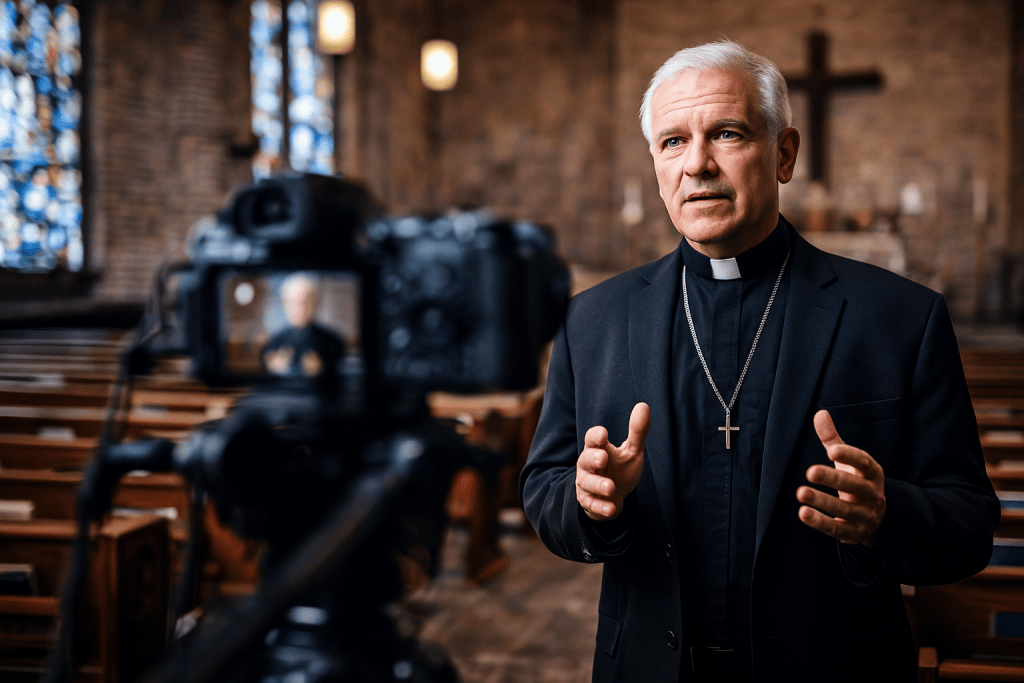
A church doesn’t need a production team to go live. It needs a few tools that work together and a basic plan for how the stream should look and sound. That’s it. You can build up from there.
Start with the camera. Most laptops have built-in webcams, and yes, those can work if you’re just getting started. But even a small upgrade helps a lot. USB webcams like the Logitech C920 offer sharper video, better low-light performance, and more control over framing. Some churches use camcorders with HDMI output, and others connect DSLRs or mirrorless cameras to their computer using a capture card like the Elgato Cam Link.
Microphones are just as important. Built-in mics usually pick up too much room noise. A basic USB mic already improves clarity. Lapel mics work well when the speaker moves around. For a higher-quality signal, especially in larger spaces, go with an XLR microphone and audio interface.
Lighting matters more than people think. A $30 ring light pointed at the speaker can do more than an expensive camera in a dark room. Add a tripod or light stand to keep things steady. A streaming PC or laptop should have at least a mid-range processor (Intel i5/Ryzen 5 or better) and a strong internet connection — at least 5 Mbps upload, ideally 10 or more.
Here’s a quick breakdown of essential gear:
- Camera (webcam, camcorder, DSLR with capture card)
- Microphone (USB, lapel, or XLR)
- Tripod or stand
- Lighting (ring light, softbox)
- Computer or laptop with decent specs
- Reliable internet connection (wired preferred)
Software Options
Once the physical setup is in place, the next step is choosing software. OBS Studio is free, flexible, and widely used. Streamlabs is built on the same engine but adds a cleaner interface and some built-in themes. For more advanced use, vMix offers a 60-day free trial and supports multi-cam setups, overlays, and live switching.
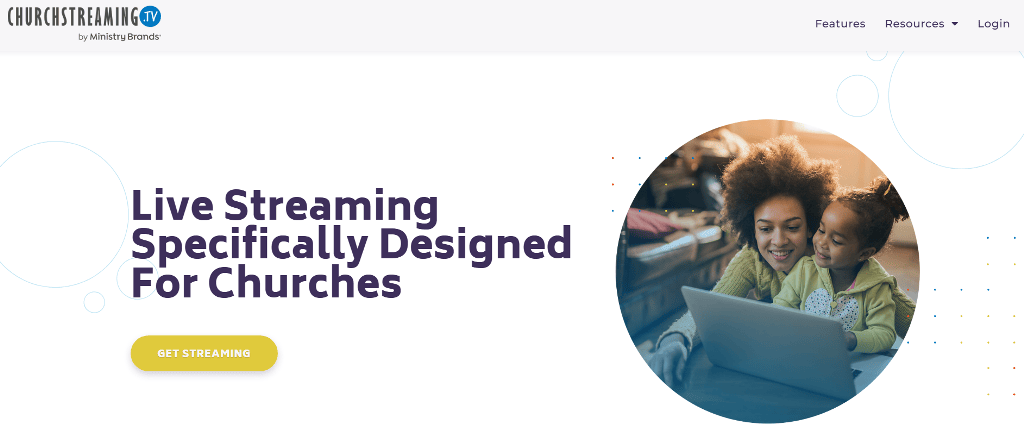
Some churches prefer full-service platforms. Church streaming platforms like Resi, BoxCast, and ChurchStreaming.tv offer built-in scheduling, cloud backups, live chat, and multi-destination broadcasting. They remove the need to manage all the technical parts yourself.
| Tool/Platform | Type | Price Range | Best For | Notes |
| OBS Studio | Software | Free | DIY setups | Open-source, highly flexible |
| vMix | Software | Trial + Paid | Multi-cam control | 60-day free trial for churches |
| ChurchStreaming.tv | Platform | Paid, $139 per month | Worship-focused streaming | Tailored for church needs |
| BoxCast | Platform | Paid $134-$449 per month | Broadcast automation | Cloud-based, hardware optional |
| Resi | Platform | Paid, $99-$299 per month | Stability and backups | Great for churches with high traffic |
Live streaming for churches grows naturally when the tools match the space, the volunteers, and the rhythm of the service. Good choices matter more than expensive gear.
What It Costs to Stream Effectively
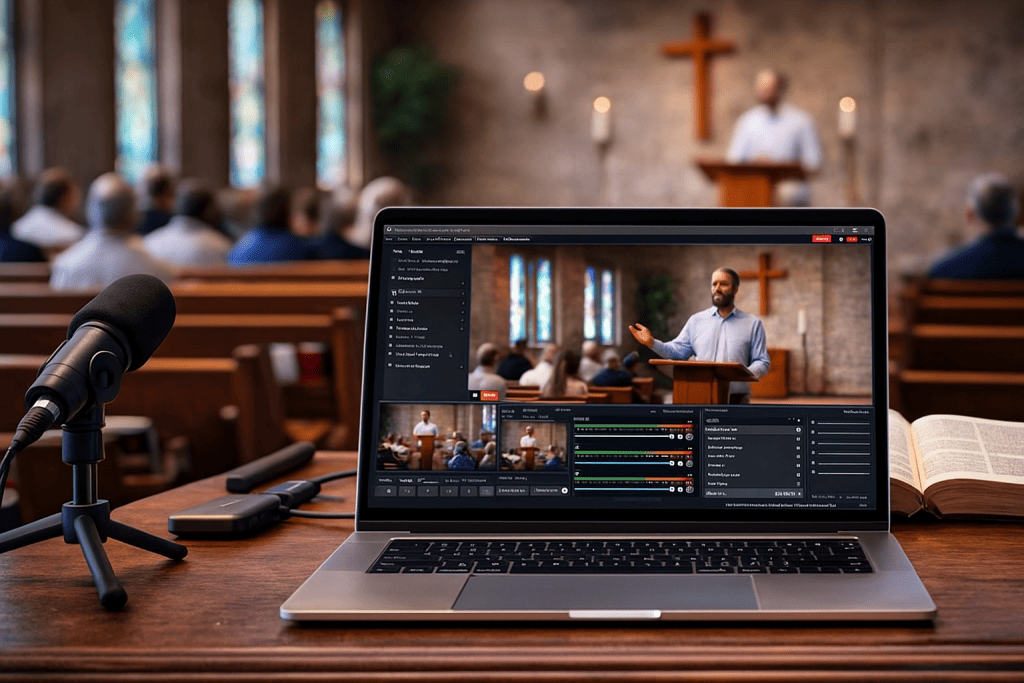
Streaming can start small. Some churches begin with gear that fits in a backpack and still manage to reach everyone who needs to see the service. Others invest more as their audience grows or as expectations change. What matters is knowing what level fits your current situation.
An entry-level setup often lands between $200 and $400. That includes a 1080p USB webcam, a USB microphone, a ring light or small LED panel, and a tripod. It works well for single-camera streams and setups where one person is managing everything. OBS Studio, a free streaming tool, runs on most modern laptops and connects directly to platforms like YouTube or Facebook.
The mid-tier range, around $600 to $1,000, gives you noticeable upgrades. You’ll see better image quality using a DSLR or mirrorless camera with a capture card. A lapel mic or condenser microphone connected to a small audio interface brings more clarity. These setups usually involve multiple people helping — someone handling sound, someone watching the stream feed.
At the higher end, budgets often reach $2,000 or more. Churches at this level use multi-camera environments, switchers, professional lighting rigs, and sometimes install gear permanently. These setups are best for large sanctuaries, larger congregations, or when the stream becomes a permanent part of weekly services.
For those just testing the waters, free live streaming for churches is still completely viable. You can go live using a webcam, free tools like OBS Studio, and a solid internet connection. Many churches start here and scale up only when needed.
Tips That Make Church Streams Actually Work
Clarity makes all the difference. Church live streaming services succeed when sound is clean, visuals are steady, and the environment feels intentional. When you get those basics right, people watching from home feel involved — not just like viewers, but like participants.
Sound first. Audio that cuts in and out, or feels like it’s recorded from across the room, breaks focus. Use a USB mic or a wireless lapel if your speaker moves often. For a simple upgrade, a headset mic can do more than built-in options.
Lighting next. Many churches still rely on overhead lights or daylight, which cast shadows and shift with time. A soft LED panel or ring light adds balance. Keep lighting on the speaker’s face and avoid light sources behind them.
Camera placement matters too. Put the camera at eye level and use a tripod. Don’t angle it from below or let it crop the speaker’s face. If you’re working with limited space, frame tighter rather than wider — it helps focus attention.
Simplify the scene. A clean background reads as more professional. Curtains, neutral walls, banners, or bookcases all work. Avoid clutter, distractions, and reflective surfaces.
Keeping Viewers Engaged and Returning
To make the service feel interactive, build in small details:
- Show scripture with lower thirds
- Add on-screen lyrics for worship
- Mention online attendees directly during intros
- Assign someone to monitor live comments or prayer requests
- Offer a short post-stream chat for connection
Use digital space thoughtfully. When people join from afar, their experience should feel purposeful. Live streaming for churches can strengthen community if it’s built with care. Don’t aim for studio quality — aim for real presence. When the stream feels personal, people notice. And they return.
Build Your Own Streaming Website with Scrile Stream
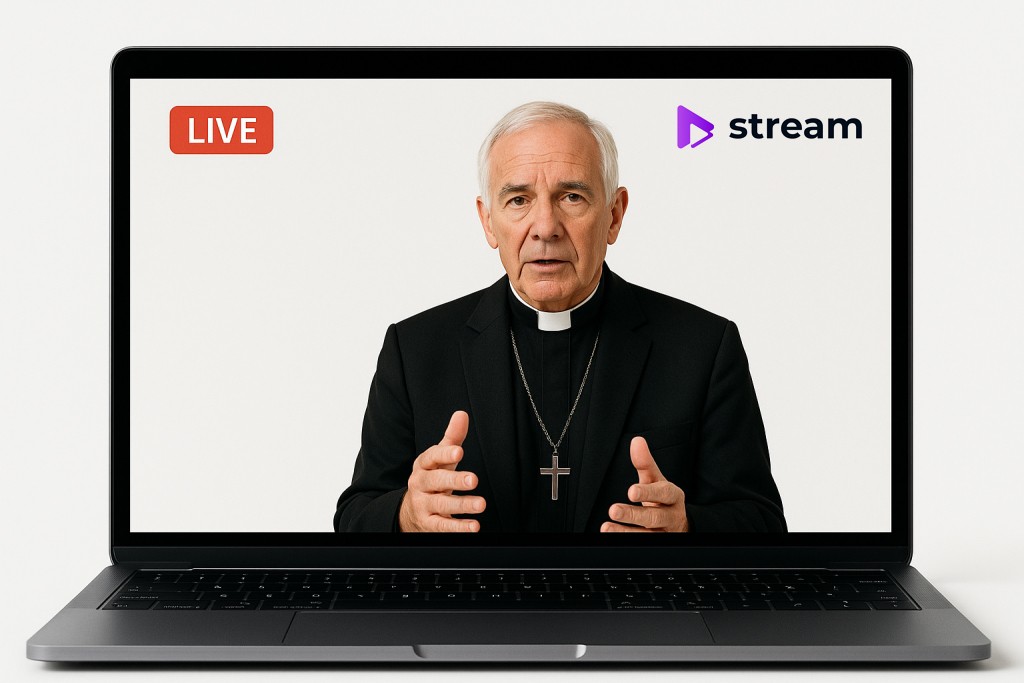
If your church wants full control over how your message reaches people online, Scrile Stream offers something most platforms can’t: a fully custom-built solution tailored to your needs. It’s not a SaaS subscription you adapt to — it’s a development service that adapts to you.
Instead of sending your viewers to YouTube or Facebook, you can host sermons, special events, and prayer streams on your own branded website. That means no ads, no algorithm changes, and no platform lock-ins.
Scrile Stream gives churches everything they need to create a professional, church-owned streaming presence:
- Custom video player with your branding: Embed streams directly into your site with a look and feel that reflects your community, not someone else’s brand. Include your logo, choose the layout, and control the viewing experience from start to finish.
- Monetization and donation tools built in: Accept tithes, offerings, and fundraising contributions right from your stream page. No need for third-party forms or awkward redirects — just seamless giving.
- Private or restricted access options: Protect youth services, small group streams, or leadership meetings with password protection or membership tiers. Share content only with those it’s intended for, without sacrificing ease of access.
- Sermon archives and replay hubs: Let people rewatch past streams or explore curated playlists. This turns your live broadcasts into an ongoing media library for teaching and discipleship.
- Mobile and tablet-friendly by design: Your site looks great and works smoothly on any screen size, so no one’s left out just because they’re watching from their phone.
Scrile Stream is ideal for churches ready to graduate from “just going live” to owning their entire online presence. It’s the best way to deliver live streaming for churches with full control — including options for free church live streaming models when needed.
Conclusion
Churches don’t need massive budgets or tech teams to begin streaming. What matters is getting started — even with basic tools — and growing intentionally over time. Many congregations have already found that live streaming creates connection, expands outreach, and keeps communities engaged across distance and schedule.
Whether it’s a weekly sermon, a youth gathering, or a midweek prayer session, streaming lets churches stay present in people’s lives. Start with what’s within reach: a webcam, a microphone, and a quiet corner. Then refine the experience week by week, as your confidence and needs evolve.
Eventually, you may want more than just another live post on a social platform. You may want your own space online — branded, private, and built to serve your ministry’s mission long term. Explore how Scrile Stream solutions can bring your church’s streaming vision to life.
Frequently Asked Questions About Live Streaming for Churches
What equipment do churches need for live streaming?
Most churches can start with a simple setup: a camera, a microphone, a tripod, basic lighting, a computer or laptop, and a stable internet connection. A beginner setup does not need a full production team. What matters most is clear audio, steady video, and a reliable workflow.
How much does it cost to live stream a church service?
A small church can often start streaming for a few hundred dollars with a webcam, USB microphone, light, tripod, and free software like OBS Studio. Mid-range setups usually cost more when you add better cameras, audio interfaces, or capture cards. Larger permanent installations can go much higher depending on the number of cameras, lighting, and switching tools involved.
Can a church live stream for free?
Yes. Many churches begin with a webcam, a microphone, a laptop, and free streaming software such as OBS Studio. Free streaming is a practical way to test the process before investing in a more advanced setup.
What platform is best for church live streaming?
The best platform depends on your goals. Public platforms can be useful for reach and easy distribution, while dedicated church streaming platforms often offer more control, better reliability features, and a more focused experience. Churches that want full ownership of branding and viewer experience may prefer a church-owned streaming website.
Is OBS good for church live streaming?
Yes. OBS Studio is one of the most common starting points for church live streaming because it is free, flexible, and widely used. It is especially useful for churches that want more control without paying for software right away.
Is vMix free for churches?
vMix is not fully free, but it does offer a 60-day free trial, which can be useful for churches that want to test a more advanced workflow before paying for a license. It is better suited to ministries that need more control over multi-camera production, switching, overlays, and live mixing.
What internet speed does a church need for streaming?
For a basic church stream, a solid upload connection matters more than ultra-fast download speed. A wired connection is usually more reliable than Wi-Fi. Even a simple setup benefits from stable upload bandwidth and minimal dropouts during the service.
What matters more for church streaming: camera or audio?
Audio usually matters more. Viewers are far more likely to tolerate average video than unclear speech or distracting room noise. For sermons, prayer, and worship, clean sound is often the biggest factor in whether people stay engaged.
Can churches stream private services or member-only content?
Yes. Some churches need public Sunday streams, while others also want restricted access for youth meetings, leadership sessions, classes, or small-group content. In those cases, private or password-protected streaming options can be useful.
Should a church stream on social media or on its own website?
Social platforms are useful for reach, but a church-owned website gives more control over branding, donations, privacy, archives, and the overall ministry experience. For churches that want a long-term digital home rather than only public-platform streaming, a dedicated site is often the stronger option.
